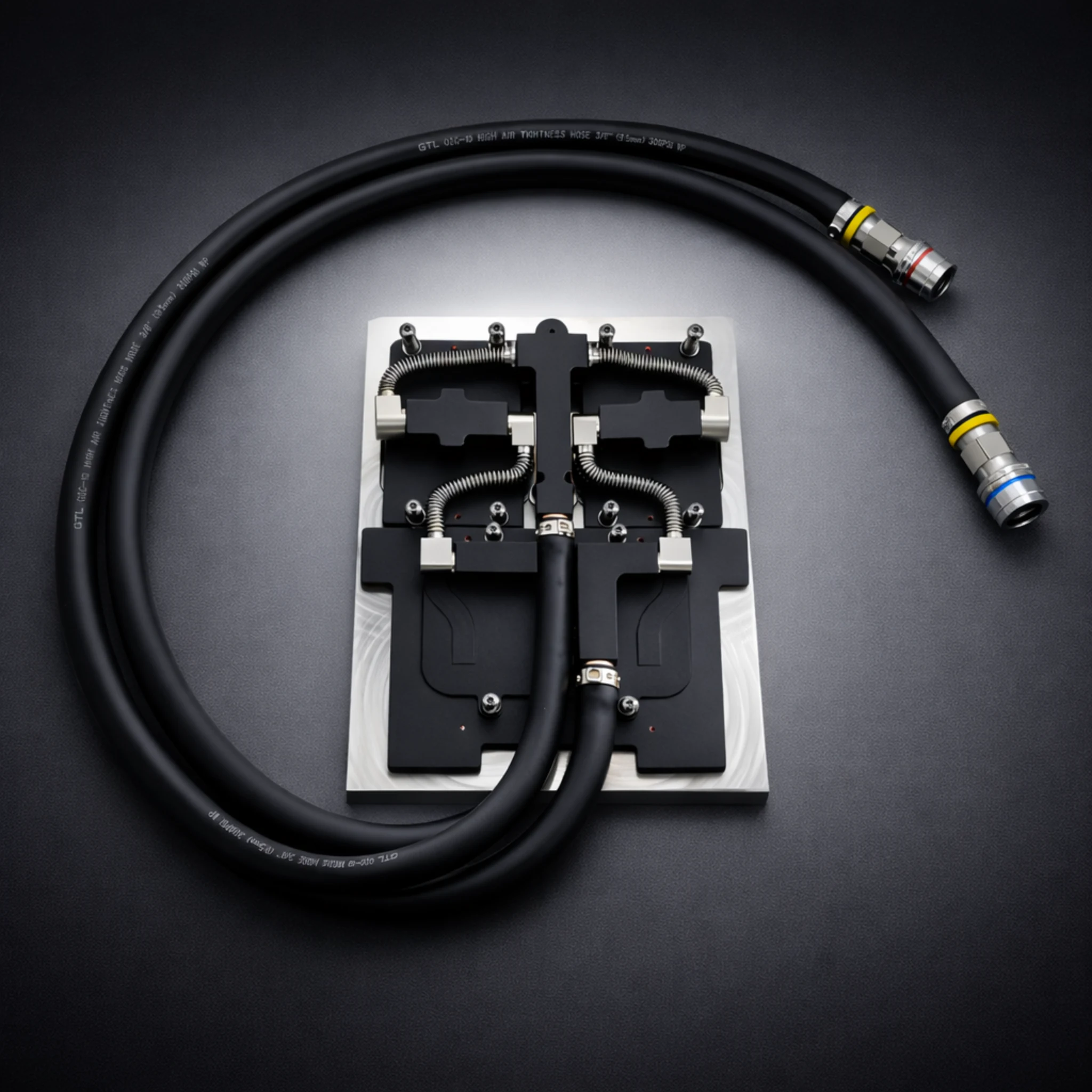
In recent years, the evolution of computer cooling systems has seen a shift from traditional air-based methods to advanced liquid cooling solutions. Liquid-cooled computers are now synonymous with high performance, efficiency, and modern aesthetics. This article delves into the core concepts of liquid cooling, its advantages, and why it’s becoming the go-to choice for enthusiasts and professionals alike.
What Is a Liquid-Cooled Computer?
A liquid-cooled computer uses a liquid-based system to dissipate heat generated by the central processing unit (CPU), graphics processing unit (GPU), and other heat-generating components. Unlike air-cooled systems that rely on fans to push air over heatsinks, liquid cooling employs a closed loop of coolant, which absorbs heat and transfers it away from critical components. Key elements of a liquid cooling system include:
Pump: Circulates the coolant through the loop.
Radiator: Dissipates heat from the liquid into the surrounding air.
Water Block: A component mounted on the CPU or GPU to facilitate heat transfer from the hardware to the coolant.
Reservoir: Stores the coolant and allows easy refilling or inspection.
Tubing: Channels through which the coolant flows.
The Benefits of Liquid Cooling
Superior Cooling Performance: Liquid cooling systems are far more effective at heat dissipation than air cooling. This makes them ideal for high-performance computers running intensive applications such as gaming, 3D rendering, video editing, and scientific simulations. By maintaining lower operating temperatures, liquid-cooled computers prevent thermal throttling and ensure consistent performance.
Quieter Operation: Traditional air-cooled systems require multiple high-speed fans to keep components cool, leading to significant noise levels. Liquid cooling minimizes the need for high-speed fans, resulting in a quieter computing experience. Radiators paired with large, slow-spinning fans offer efficient heat dissipation without the noise.
Enhanced Overclocking Potential: For enthusiasts seeking to overclock their CPUs or GPUs to extract maximum performance, liquid cooling provides the necessary thermal headroom. By keeping temperatures under control, it allows components to operate at higher frequencies without compromising stability.
Aesthetic Appeal: Liquid-cooled systems often feature customizable RGB lighting, transparent tubing, and sleek designs, making them a centerpiece of modern PC builds. For gamers and tech enthusiasts, these setups offer both performance and style.
Longevity of Components: Efficient cooling can extend the lifespan of components by reducing wear and tear caused by excessive heat. Consistent operating temperatures prevent damage to sensitive circuits and materials.
Types of Liquid Cooling Systems
Closed-Loop Systems (All-in-One, AIO): These pre-assembled kits are designed for ease of use and are ideal for beginners. They include a pump, radiator, and water block in a single unit. AIO systems require minimal maintenance and are widely used in gaming PCs and workstations.
Custom Loop Systems: For advanced users, custom loops provide unparalleled cooling performance and flexibility. These systems allow users to design and assemble a personalized cooling setup, incorporating multiple components such as GPUs, RAM, and even storage devices. While more expensive and complex, custom loops offer the best results for extreme cooling needs.
Challenges of Liquid-Cooled Computers
While liquid cooling offers numerous advantages, it’s not without challenges:
Cost: Liquid cooling systems are generally more expensive than air cooling solutions. Custom loops, in particular, can cost significantly more due to the need for specialized components.
Complexity: Installing and maintaining a liquid cooling system requires technical knowledge, especially for custom setups. Users must ensure proper assembly to avoid leaks or component damage.
Potential for Leaks: Though rare with high-quality components, leaks in a liquid cooling system can cause significant damage to hardware. Regular inspection and proper installation are crucial to minimize risks.
Maintenance Requirements: Over time, coolant levels may drop, or algae may form inside the loop. Regular maintenance, such as flushing the system and replacing the coolant, is essential to maintain optimal performance.
Applications of Liquid-Cooled Computers
Gaming PCs: Gamers demand high-performance systems capable of running modern titles at maximum settings. Liquid cooling ensures these PCs remain cool and quiet, even under heavy loads.
- Workstations: Professionals working in fields like 3D modeling, animation, and video production require robust systems to handle demanding applications. Liquid cooling helps maintain stability and performance during extended workloads.
- Data Centers: With the rising demand for energy-efficient solutions, data centers are adopting liquid cooling to reduce power consumption and improve server density. Liquid cooling is especially effective in handling the heat generated by high-density servers and GPUs used in AI and machine learning.
- Overclocking and Benchmarks: Competitive overclockers and enthusiasts pushing hardware to its limits rely on liquid cooling to achieve record-breaking performance.


The Future of Liquid Cooling
The rise of liquid-cooled computers reflects the growing need for advanced thermal management in modern computing. As hardware becomes more powerful, the challenges of heat dissipation will continue to grow. Innovations such as hybrid cooling solutions, nanofluid-based coolants, and modular liquid cooling kits are shaping the future of the industry.
Moreover, liquid cooling is becoming more accessible, with manufacturers offering user-friendly solutions at competitive prices. This trend is making liquid cooling a viable option not just for enthusiasts but also for everyday users seeking quieter and more efficient systems.
Conclusion
Liquid-cooled computers represent a significant leap forward in computer cooling technology. By offering superior performance, reduced noise, and enhanced aesthetics, they cater to the demands of gamers, professionals, and enthusiasts. While challenges such as cost and maintenance persist, the benefits far outweigh the drawbacks for those seeking cutting-edge performance and reliability. As technology advances, liquid cooling will undoubtedly remain at the forefront of thermal management solutions, ensuring that modern computers can keep pace with ever-increasing demands.