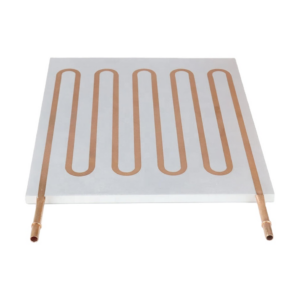
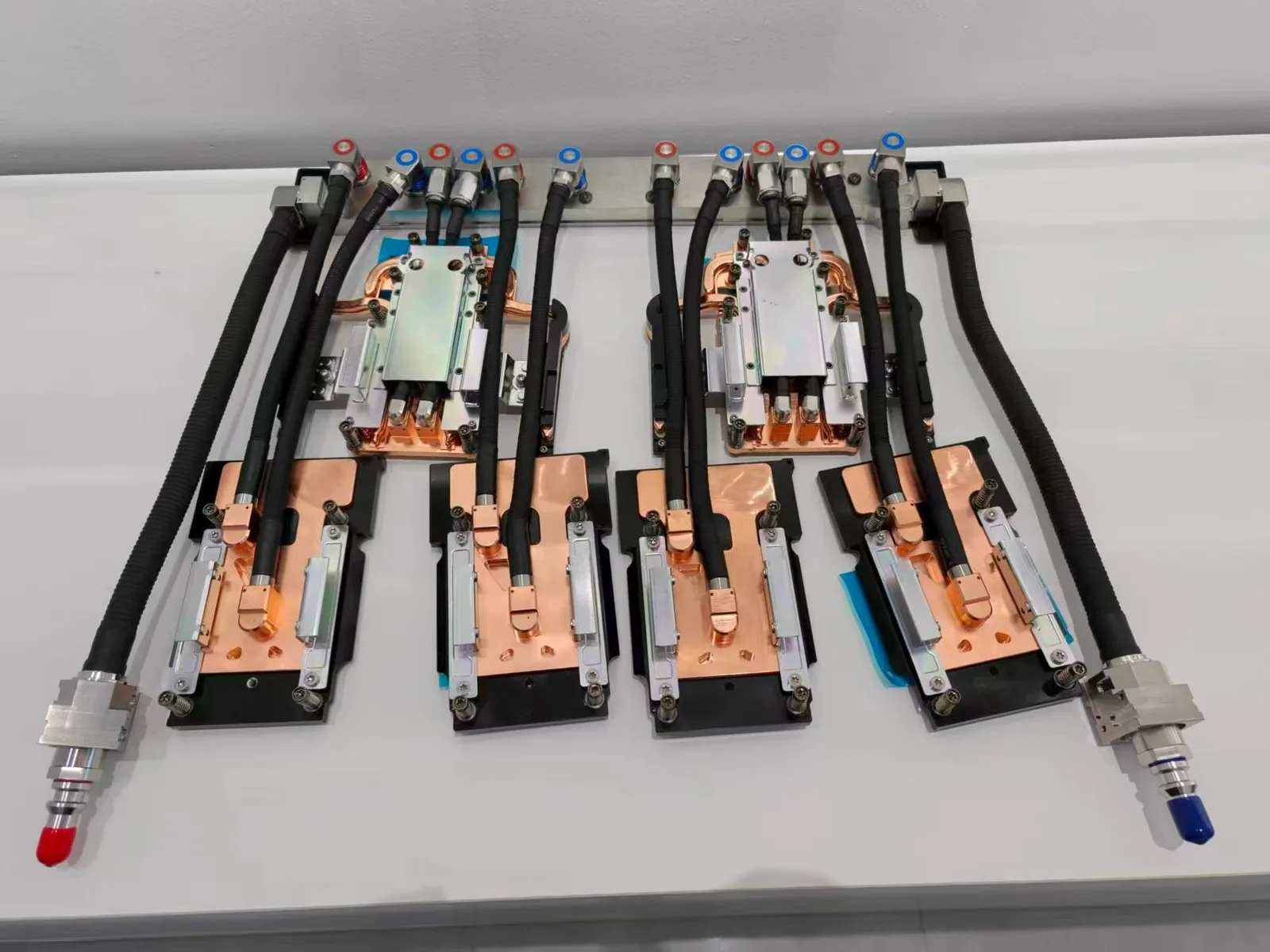
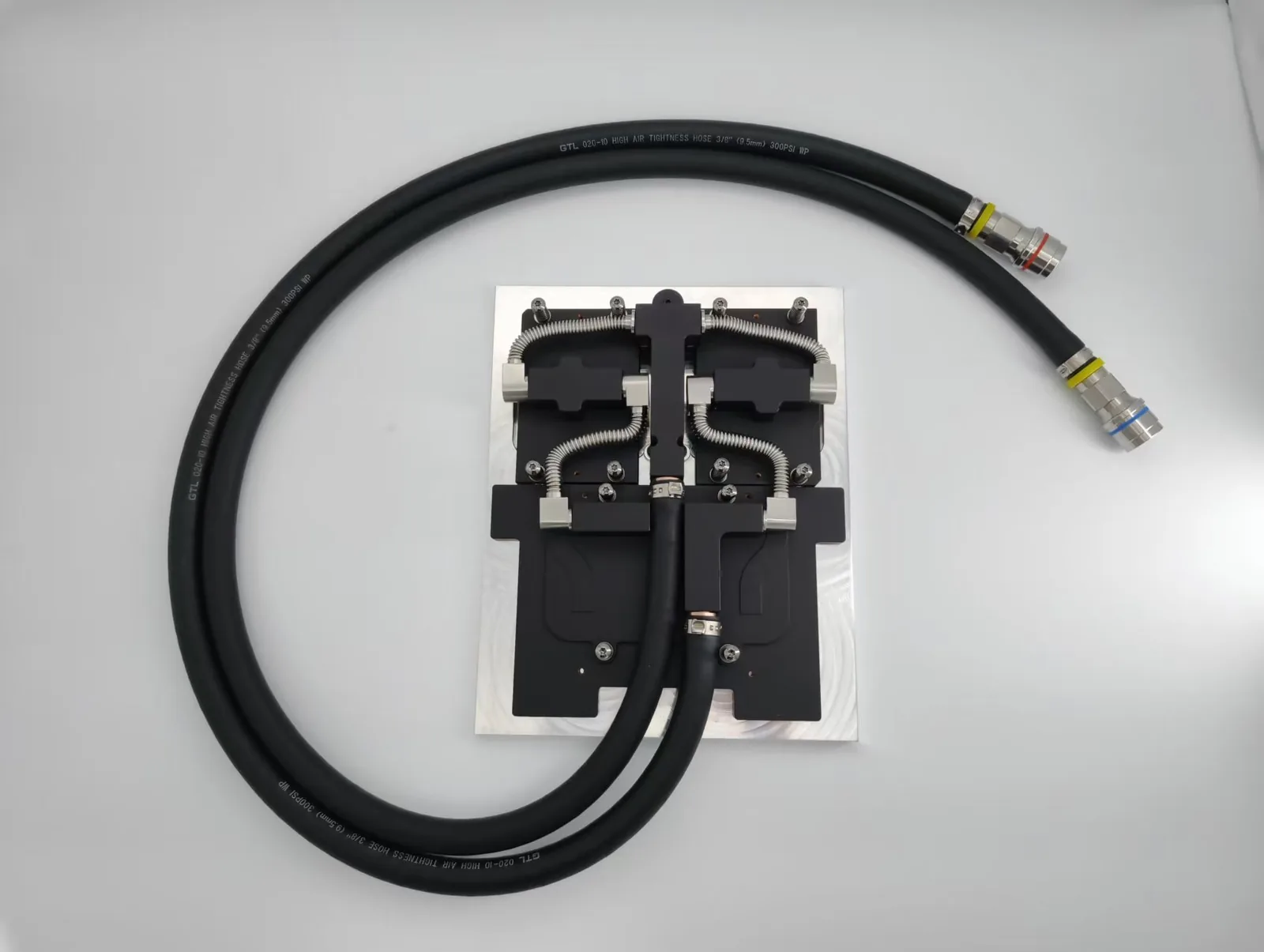
A CPU liquid cooler needs periodic checks of coolant level, pump noise and tubing, and custom loops need coolant changes; sealed AIO coolers are typically replaced rather than refilled. The same maintenance logic applies to server and industrial liquid cooling, where ToneCooling supplies custom cold plates.
For PC enthusiasts, gamers, and workstation users, CPU liquid coolers have become the go-to solution for taming high-performance processors. They promise lower temperatures, cleaner builds, quieter operation under load, and eye-catching RGB aesthetics. However, many users mistakenly believe that installing a liquid cooler means set it and forget it.
In reality, questions such as whether a CPU liquid cooler needs coolant replacement, how long an AIO water cooler really lasts, and what happens if it leaks after the warranty expires are critical to long-term system stability and hardware safety.
This comprehensive guide answers all of these questions, covering how modern liquid cooling works, air cooling vs. water cooling comparisons, lifespan expectations, leak prevention, and lessons from data center–grade liquid cooling maintenance practices.

1. Introduction: Liquid Cooling Is Powerful — But Not Maintenance-Free
Liquid cooling offers undeniable performance advantages, but it is not immune to aging or failure. Maintenance awareness plays a decisive role in determining whether a CPU liquid cooler delivers long-term value or becomes a hidden risk.
2. How Modern CPU Liquid Cooling Systems Work
2.1 Core Components and Working Principle
A typical CPU liquid cooling system consists of four essential components:
- Cold Plate / Water Block: Mounted directly on the CPU’s integrated heat spreader to absorb heat.
- Pump: Circulates coolant through the loop, usually integrated into the cold plate in AIO systems.
- Radiator: Transfers heat from liquid to air through fins and fans.
- Tubes and Coolant: Transport and carry heat throughout the system.
The cooling cycle follows a simple process: the CPU generates heat, the cold plate absorbs it, warm liquid is pumped to the radiator, fans dissipate the heat, and cooled liquid returns to the CPU.
2.2 AIO Liquid Coolers vs. DIY Custom Loop Water Cooling
AIO (All-in-One) Liquid Coolers are factory-sealed, pre-filled, and designed to be maintenance-free, making them the most popular choice for mainstream users.
DIY Custom Loop Water Cooling systems allow complete customization and higher performance ceilings but require regular coolant replacement and system cleaning.

3. Air Cooling vs. Liquid Cooling: Which Is Better for Your CPU?
3.1 Performance Comparison
When cooling flagship CPUs such as Intel Core i9 or AMD Ryzen 9 under sustained high workloads, premium 360mm liquid coolers often outperform top-tier air coolers by 3–10°C and manage thermal spikes more effectively.
For mid-range CPUs, however, high-end air coolers can perform similarly to 240mm liquid coolers, sometimes with lower overall noise due to the absence of pump sound.

3.2 Choosing the Right Cooling Solution
Air cooling is ideal for users prioritizing reliability, zero leak risk, and minimal maintenance. Liquid cooling is better suited for high-TDP CPUs, overclocking, compact cases, and aesthetic-focused builds.
5. CPU Liquid Cooler Lifespan and Coolant Replacement
5.1 How Long Does a CPU Liquid Cooler Last?
AIO liquid coolers typically have a design lifespan of 5–7 years. Common failure causes include coolant evaporation, pump wear, and tubing permeability.
DIY custom loop lifespans depend heavily on component quality and maintenance discipline.
5.2 How Often Should You Change the Coolant?
AIO liquid coolers do not require and do not allow coolant replacement. Performance degradation usually signals end-of-life.
DIY custom water cooling systems should undergo complete coolant replacement every 1–2 years to prevent microbial growth, corrosion, and sediment buildup.
5.3 Warning Signs of Performance Degradation
- Higher idle or load CPU temperatures
- Unusual pump noises
- Visible discoloration or particles in tubing (custom loops)
6. Leak Risks: Is Leakage Inevitable After Warranty?
6.1 Why Leaks Matter
Coolant leakage is the most dangerous failure mode of liquid cooling systems, potentially causing catastrophic hardware damage.
6.2 Does Liquid Cooling Always Leak After Warranty?
Not necessarily, but the risk increases as tubing hardens, seals degrade, and internal corrosion progresses.
6.3 How to Minimize Leak Risks
- Choose reputable brands
- Avoid excessive tube bending
- Inspect fittings regularly in custom loops
- Consider replacing AIO coolers after five years as preventive protection
7. Industry Perspective: How Data Centers Maintain Liquid Cooling
Data centers rely on indirect cold plate liquid cooling, engineered fluids, continuous monitoring, and scheduled maintenance. This professional approach demonstrates that even industrial-grade liquid cooling depends on disciplined upkeep.
8. FAQ
Q1: Can I refill an AIO liquid cooler if temperatures rise?
No. AIO coolers are not designed for refilling. Opening the loop almost guarantees future leaks.
Q2: What coolant is best for custom loop cooling?
Use branded premixed coolants with corrosion inhibitors and biocides. Never use tap water.
Q3: What should I do if my liquid cooler leaks?
Shut down immediately, unplug power, clean visible liquid with isopropyl alcohol, and allow at least 24–48 hours for drying before inspection.
Q4: Do radiator fans need cleaning?
Yes. Clean fans and fins every 3–6 months to maintain cooling efficiency.
9. Professional Insight from Industrial Liquid Cooling
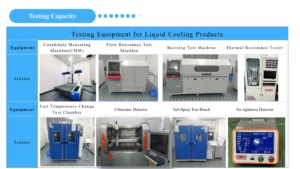
Industrial liquid cooling systems emphasize sealing integrity, material selection, and long-term reliability. Companies like ToneCooling Technology Co., Ltd, founded in 2004, specialize in custom liquid cold plate solutions for data centers, GPUs, power electronics, and AI hardware.
With in-house processes such as vacuum brazing, friction stir welding, and transient liquid phase diffusion bonding, ToneCooling demonstrates how advanced thermal management principles ensure stability at scale.
10. Conclusion: Maintenance Determines the True Value of Liquid Cooling
CPU liquid cooling delivers powerful thermal performance, but its long-term success depends on understanding lifespan, maintenance needs, and risk management. Whether using an AIO or a custom loop, informed care preserves performance and protects your hardware investment.
For industry standards and best practices, refer to ASHRAE thermal guidelines.
Frequently Asked Questions
Does ToneCooling offer OEM and ODM services?
Yes. ToneCooling provides full OEM and ODM services including custom design, prototyping, thermal simulation, and volume production. We serve customers in North America, Europe, and Asia-Pacific with engineering support and samples within 4–6 weeks.
What materials are used in ToneCooling liquid cold plates?
ToneCooling manufactures cold plates in aluminum (6061/6063), copper (C1100/C1020), and stainless steel. Aluminum FSW cold plates are ideal for high-volume EV and industrial applications, while copper cold plates provide the highest thermal conductivity for high heat flux electronics.
What is the typical lead time for custom cold plates?
Prototype samples are delivered within 4–6 weeks. Production orders typically ship within 6–8 weeks after sample approval. An engineer reviews every RFQ and replies by email with next steps.
Get a Custom Thermal Solution from ToneCooling
ToneCooling is a professional liquid cooling solution provider specializing in custom cold plates, AIO coolers, and advanced thermal management systems. With ISO 9001 quality management and our own manufacturing facility in Huizhou, China, we deliver prototype samples typically within 4–6 weeks. Contact ToneCooling today for a free consultation and quote. An engineer reviews every RFQ and replies by email with next steps.
Related ToneCooling Resources
Industry References & Standards
Why Choose ToneCooling for CPU Liquid Cooler Maintenance
Engineering review and prototype planning are based on the project requirements. Custom prototype lead time is normally 4–6 weeks after drawing approval and order confirmation; confirm the production schedule in the quotation.
Building AI servers? See our standard GB300 4G+2C cold plate kit and GB200 cold plate kit, both supplied to published datasheets.
Need a Custom Liquid Cold Plate?
ToneCooling engineers review your drawings and requirements and reply by email with next steps.
Last updated: 2026-10-02