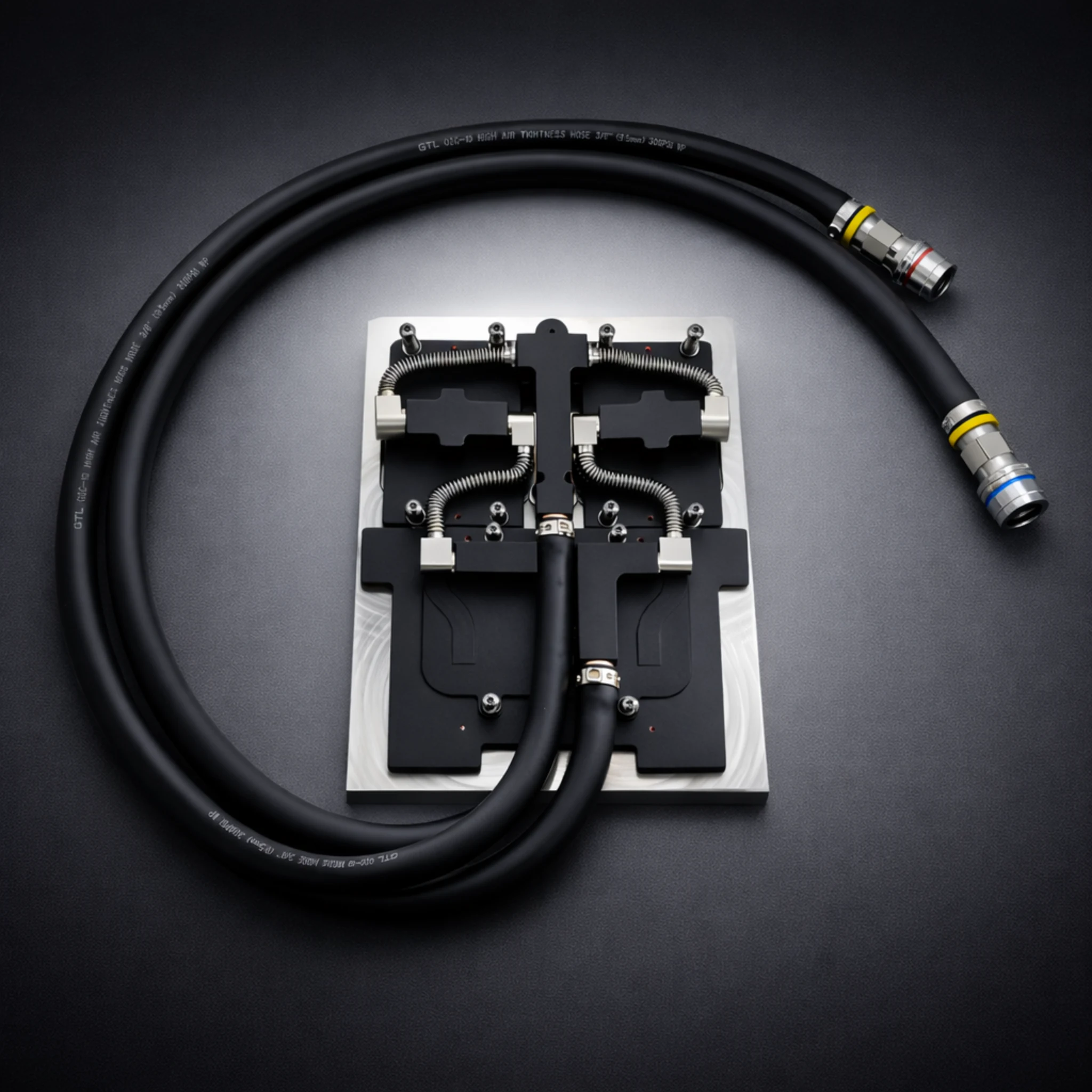
This comprehensive guide covers before choose liquid cooling solutions for industrial and OEM applications. ToneCooling provides expert insights on before choose liquid cooling technology and implementation.

Liquid cooling technology offers impressive performance for those who demand more from their pc. Many users enjoy quieter systems and improved temperatures, but not everyone needs the infrastructure for liquid cooling. Some people choose custom loop cooling for its advanced features and aesthetics.
Others focus on Liquid Cooling Benefits like extended hardware life or energy efficiency. Each user should decide if these features matter for their own setup.
What Is Choose Liquid Cooling Benefits Risks?
Who Should Consider It — Before choose liquid cooling
Liquid cooling works best for users who push their systems to the limit. Gamers who want the highest frame rates and smoothest visuals often choose liquid cooling. They want to avoid overheating during long gaming sessions。
Content creators who edit videos or render 3D graphics also benefit from lower temperatures. These tasks put a heavy load on the processor and graphics card. Overclockers, who increase the speed of their hardware, need extra cooling to keep their systems stable. Small form factor builds can also use liquid cooling to fit powerful parts into tight spaces.
Some users care about noise levels. Liquid cooling usually runs quieter than air cooling, especially under heavy loads. Those who value a clean look inside their case may prefer the sleek tubes and water blocks of a liquid system. Enthusiasts who enjoy building and customizing their pc often find liquid cooling rewarding.
Liquid Cooling Methods Overview — Before choose liquid cooling
Air vs. Liquid Cooling
Air cooling and liquid cooling represent the two main ways to manage heat in a computer. Air cooling uses fans and metal heat sinks to draw heat away from components like the CPU or GPU.
The fans push the hot air out of the case. This method works well for most standard computers. Many users choose air cooling because it is simple, reliable, and easy to install.
Liquid cooling uses a different approach. It moves heat away from components using a liquid coolant. The system includes a pump, tubes, a radiator, and water blocks.
The coolant absorbs heat and travels through the tubes to the radiator. The radiator then releases the heat into the air with the help of fans. Liquid cooling can handle more heat than air cooling, which makes it popular for high-performance systems.
Key Differences
The main differences between air and liquid cooling appear in several areas:
| Feature | Air Cooling | Liquid Cooling |
|---|---|---|
| Cooling Power | Good for most uses | Superior for heavy loads |
| Noise Level | Can be loud under stress | Often quieter |
| Installation | Simple and quick | More complex |
| Maintenance | Low | Needs regular checks |
| Cost | Budget-friendly | Higher upfront cost |
Air cooling suits users who want a straightforward solution. Liquid cooling fits those who need extra cooling or want a quieter system. Each method has strengths and weaknesses. Users should match their choice to their needs and comfort level.
Liquid Cooling Benefits
Superior Cooling and Efficiency
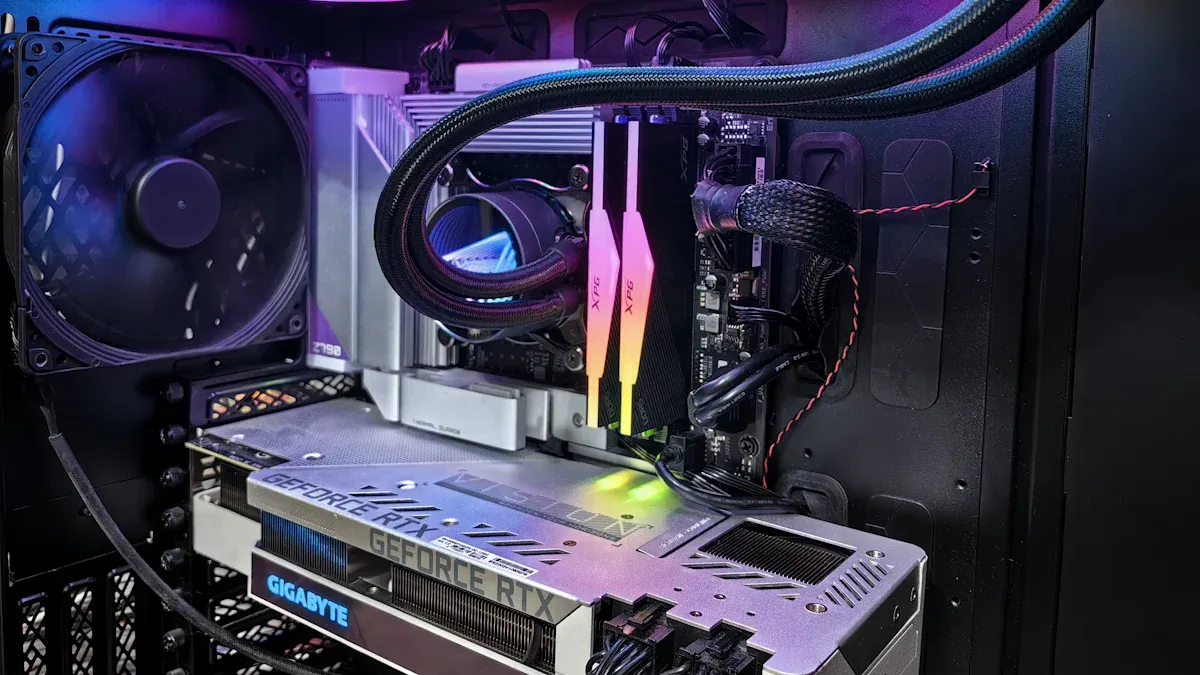
Liquid cooling setups deliver superior cooling and efficiency compared to traditional air coolers. These systems use direct chip cooling to transfer heat away from the CPU and GPU quickly. This method allows for optimal performance, especially during demanding tasks like gaming or video editing.
Liquid cooling systems move heat more efficiently, which helps maintain lower temperatures even under heavy loads. Many users notice that their hardware runs cooler and more stable with these setups. The improved heat dissipation also means that components can operate at higher speeds without overheating.
Quieter Operation
Many users choose liquid cooling benefits for the quieter operation. Fans in air-cooled systems often run at high speeds to keep up with heat dissipation, which creates noticeable noise.
In contrast, liquid cooling setups use larger radiators and slower-spinning fans. This design reduces noise levels, even when the system works hard. Direct chip cooling also means that heat leaves the components faster, so fans do not need to work as hard. For those who value a silent workspace or want to enjoy games and media without background noise, liquid cooling systems offer a clear advantage.
Component Longevity
One of the most important liquid cooling benefits is the potential to extend component life. Lower operating temperatures reduce wear and tear on sensitive parts. Direct chip cooling helps prevent thermal stress, which can damage processors and graphics cards over time.
Consistent heat dissipation keeps temperatures stable, which protects hardware from sudden spikes. Many users find that their systems remain reliable for longer periods when using liquid cooling setups. This reliability supports optimal performance throughout the lifespan of the pc.
Liquid Cooling Risks

Installation Complexity
Liquid cooling systems often require more skill to install than air coolers. Many users find the process challenging, especially when working with custom loops or advanced setups.
The installer must connect tubes, mount water blocks, and secure radiators. Mistakes during installation can lead to leaks or poor cooling. Immersion cooling, a method where components are submerged in a special liquid, adds another layer of complexity. This approach needs careful planning and a compatible case.
Immersion cooling setups also require users to handle large amounts of coolant safely. Beginners may struggle with these steps, so they should consider their experience level before choosing liquid cooling.
Leak Risks
Leaks remain a concern for many users who consider liquid cooling. While modern systems use strong seals and quality materials, leaks can still happen if parts fail or installation goes wrong.
Even a small leak can damage sensitive electronics. Immersion cooling reduces the risk of leaks from tubes or fittings, but it introduces other risks. If the immersion liquid spills or evaporates, it can harm the pc or create a mess. Most users will not experience leaks if they follow instructions and use quality parts. However, the risk cannot be ignored.
Cost Factors
Liquid cooling systems usually cost more than air coolers. The price includes pumps, radiators, water blocks, and coolant. Custom loops and immersion cooling setups can be even more expensive. Immersion cooling requires special fluids and sometimes custom cases, which add to the total cost.
Users must also consider long-term expenses, such as replacing coolant or worn parts. For some, the higher cost is worth it for better performance or quieter operation. Others may find that air cooling meets their needs at a lower price
Immersion cooling offers unique benefits, but it brings its own set of risks and costs. Users should weigh these factors carefully before making a decision.
Liquid Cooling for PCs: When to Use
High-Performance Builds
Liquid cooling for pcs often finds its place in high-performance builds. These systems use powerful graphics cards and high-end cpus that generate a lot of heat. Air coolers may struggle to keep temperatures low in these situations. Liquid cooling for pcs can handle the extra heat and keep the system stable.
Many users who build high-end setups want the best performance possible. They choose liquid cooling because it allows their components to run at full speed without overheating. This method also helps reduce noise, which is important in a quiet workspace.
Small Form Factor Systems
Small form factor systems have limited space for airflow. Traditional air coolers may not fit or may not provide enough cooling. Liquid cooling for pcs offers a compact solution. The water blocks and slim radiators fit into tight spaces. This setup helps keep temperatures low even when the case is small.
Many users who want a powerful pc in a small case choose liquid cooling. They can use high-end cpus and graphics cards without worrying about overheating.
Overclocking
Overclocking pushes hardware beyond its standard limits. This process increases heat output from the cpu and gpu. Liquid cooling for pcs is ideal for overclocking because it removes heat quickly. Many overclockers use liquid cooling to achieve higher speeds safely. They monitor temperatures closely and adjust settings for the best results.
Overclocking can shorten the life of components if temperatures get too high. Liquid cooling helps prevent this by keeping everything cool. High-end setups that focus on overclocking often rely on liquid cooling for stability and safety.
Factors of Choosing Liquid Cooling
Budget Considerations
Cost plays a major role when selecting a cooling system. Liquid cooling setups often require a larger investment than air coolers. Buyers must consider the price of pumps, radiators, water blocks, and coolant.
Custom loops and advanced systems can increase the total cost. Some users choose liquid cooling for high-end builds, but others may find air cooling more affordable. A simple table helps compare the costs.
Skill Level
Installing liquid cooling demands technical skill. Users must connect tubes, mount hardware, and fill coolant safely. Beginners may struggle with these steps. Experienced builders often enjoy the challenge and customization. Those with less experience may prefer air cooling for its simplicity.
- Beginners: Air cooling suits most needs.
- Advanced users: Liquid cooling offers more control and performance.
Conclusion
Liquid cooling offers strong performance, quiet operation, and longer component life. Users face higher costs, complex installation, and regular maintenance. They should think about their needs, skill level, and comfort with upkeep before choosing a cooling method for their pc.
- Liquid cooling fits high-performance builds and users who want quiet systems.
- Air cooling suits those who prefer simple, low-maintenance solutions.
For industry standards and best practices, refer to ASHRAE thermal guidelines.
Frequently Asked Questions
Does ToneCooling offer OEM and ODM services?
Yes. ToneCooling provides full OEM and ODM services including custom design, prototyping, thermal simulation, and volume production. We serve customers in North America, Europe, and Asia-Pacific with engineering support and samples within 2–4 weeks.
What materials are used in ToneCooling liquid cold plates?
ToneCooling manufactures cold plates in aluminum (6061/6063), copper (C1100/C1020), and stainless steel. Aluminum FSW cold plates are ideal for high-volume EV and industrial applications, while copper brazed cold plates provide maximum thermal conductivity (398 W/m·K) for high heat flux electronics.
What is the typical lead time for custom cold plates?
Prototype samples are delivered within 2–4 weeks. Production orders typically ship within 4–6 weeks after sample approval. ToneCooling responds to all quote requests within 24 business hours.
Get a Custom Thermal Solution from ToneCooling
ToneCooling is a professional liquid cooling solution provider specializing in custom cold plates, AIO coolers, and advanced thermal management systems. With ISO 9001:2015 certified manufacturing, we deliver prototype samples within 2–4 weeks. Contact ToneCooling today for a free consultation and quote — we respond within 24 business hours.
Industry References & Standards
Need a Custom Liquid Cold Plate?
Choose Liquid Cooling Benefits Risks is a high-performance thermal management solution engineered by ToneCooling for demanding applications.
ToneCooling engineers design thermal solutions for your specific requirements. Get an engineering RFQ review based on your uploaded requirements.
Why Choose ToneCooling for Before Choose Liquid Cooling
ToneCooling has manufactured over 50,000 before choose liquid cooling units for global OEM customers. Our before choose liquid cooling production features vacuum brazing furnaces below 10⁻⁴ mbar, FSW machines with ≤0.02mm flatness, and helium leak detection at 10⁻⁸ mbar·L/s. Every before choose liquid cooling undergoes 100% pressure testing at 25 bar.
Our engineering team provides free before choose liquid cooling design consultation, CFD simulation, and rapid prototyping in 7-14 days. Production before choose liquid cooling orders ship in 4-6 weeks under ISO 9001:2015 quality management.
Need a Custom Liquid Cold Plate?
ToneCooling engineers design thermal solutions for your requirements. Response within 24-48 hours.
Last Updated: 2026-04-08
DR Kevin, Thermal Engineer, ToneCooling