The better CPU cooler is the one that keeps your processor below its limit within your space, noise and maintenance constraints: air coolers for moderate loads, AIO or custom liquid for high loads, and cold plates for servers. ToneCooling supplies server and industrial CPU cooling.
Selecting the appropriate CPU cooler is critical for maintaining optimal system performance and reliability in industrial, server, or high-performance computing environments. A well-chosen cooler ensures efficient heat dissipation, reduces the risk of thermal throttling, and extends the operational lifespan of CPUs under heavy workloads.
This article examines the key factors to evaluate when comparing CPU coolers, including noise levels, cooling capacity, TDP ratings, system compatibility, and material quality, providing a clear framework for informed decision-making.
Importance of Selecting the Right CPU Cooler
Impact on CPU temperature and operational lifespan
A CPU cooler helps keep the processor at a safe temperature. High temperatures can shorten the lifespan of a CPU. A good cooler prevents overheating and protects the hardware.
Tip: Lower temperatures often mean longer-lasting components and fewer system failures.
Users should think about how they use their computers. Gaming, overclocking, and general use all create different amounts of heat. Heavy tasks need better cooling to keep the system safe.
Role in overall system stability and performance
Stable performance depends on keeping the CPU cool. When a processor gets too hot, it may slow down or shut off to avoid damage. This can cause games or programs to crash.
A cooler that matches the CPU’s needs helps the system run smoothly. Users should check the thermal design power (TDP) of their CPU. Higher TDP means the processor uses more power and creates more heat.
A table can help users match their use case to the right cooling solution:
| Use Case | Cooling Need | Recommended Solution |
|---|---|---|
| General Use | Low to Moderate | Basic air cooler |
| Gaming | Moderate to High | High-performance air or liquid cooler |
| Overclocking | High | Advanced liquid cooler |
Choosing the right cooler improves performance and keeps the system stable.

Key Factors for Comparing CPU Coolers
Noise Levels
Noise matters to many users. Air cooling often produces more sound because fans run at higher speeds. Some coolers use larger fans to reduce noise while maintaining cooling efficiency.
Tip: Users who want a quiet system should look for coolers with low decibel ratings.
Cooling Capacity and TDP Rating
Cooling capacity shows how much heat a cooler can remove from the CPU. Air cooling works well for CPUs with lower TDP ratings. High TDP processors need advanced cooling to keep temperature under control.
| TDP Range (Watts) | Suitable Cooling Type |
|---|---|
| <65 | Basic air cooling |
| 65-125 | High-performance air cooling |
| >125 | Liquid cooling |
Matching cooling capacity to the CPU’s TDP ensures peak performance.
Overclocking or High-Load Potential
Overclocking pushes the CPU beyond its standard limits. This increases heat output and demands better cooling. Air cooling can handle mild overclocking, but liquid cooling is preferred for extreme cases.
Note: Stable cooling helps maintain peak performance during heavy workloads.
Size and Compatibility
Cooler size affects installation and cooling efficiency. Large air cooling units may not fit in small cases. Compatibility with the motherboard and RAM is important for easy installation.
A checklist for compatibility:
- Case clearance
- CPU socket support
- RAM height
Choosing the right size ensures proper cooling and avoids installation issues.
Build Quality and Materials
Build quality impacts cooling effectiveness and durability. Coolers made with copper or aluminum transfer heat better. Air cooling units with sturdy fans last longer and provide consistent cooling.
Quality materials help maintain safe temperature and reliable cooling over time.

Indicators for CPU Cooler Upgrade
Signs of inadequate performance in current cooling solutions
Users often notice signs when a cpu cooler cannot keep up with the demands of higher performance cpus. Frequent system crashes or sudden shutdowns may occur. Programs may slow down or freeze during heavy tasks.
Visible temperature spikes on monitoring software show that cooling is not sufficient. Fans running at maximum speed for long periods can indicate poor efficient cooling. Users may hear loud noises from the cooler, which suggests the system struggles to maintain low temperatures.
A cpu cooler that fails to keep the processor within safe temperature ranges needs an upgrade. Many users choose a new aio cooler or switch to liquid cooling for better results.
Recommended temperature thresholds for operational safety
Maintaining safe temperature levels is important for system health. Most CPUs operate best below 80°C during heavy workloads. Temperatures above this range can shorten the lifespan of components.
A table helps users understand safe temperature ranges:
| CPU Usage Level | Recommended Temperature (°C) |
|---|---|
| Idle | 30 – 45 |
| Gaming/Moderate Load | 50 – 70 |
| Heavy Load/Stress | 70 – 80 |
If temperatures often exceed these values, users should consider upgrading to aio or liquid cooling. A new aio cooler can help maintain low temperatures and prevent damage.
Balancing cost and performance for enterprise or industrial setups
Enterprise and industrial systems require reliable cooling for continuous operation. Users must balance cost with the need for efficient cooling. Air cooling offers lower costs and simple maintenance, but may not suit higher performance cpus.
Liquid cooling and aio coolers provide better heat dissipation and quieter operation. These systems handle heavy workloads and keep temperature stable. All-in-one coolers are popular for high-end setups because they combine easy installation with strong cooling.
A comparison table shows the differences:
| Cooling Type | Performance | Noise | Complexity | Maintenance | Cost |
|---|---|---|---|---|---|
| Air Cooling | Moderate | Moderate | Simple | Low | Low |
| Liquid Cooling | High | Low | Complex | Moderate | High |
| AIO | High | Low | Simple | Low | Moderate |
Larger coolers and aio systems generally offer better heat dissipation. Users who run higher performance cpus or need stable operation should consider a new aio cooler or liquid cooling. Understanding how a cpu cooler works helps users make informed choices for their systems.
Tip: Regularly check temperatures and cooling performance to avoid costly repairs.
Conclusion
Evaluating CPU coolers based on noise levels, cooling capacity, TDP rating, build quality, and compatibility ensures systems operate efficiently and reliably under all workloads. Industrial and enterprise setups benefit from selecting solutions that match thermal requirements and environmental constraints. Careful assessment of these factors allows for informed decisions, reduces operational risks, and maximizes system performance over the long term.
For industry standards and best practices, refer to ASHRAE thermal guidelines.
Frequently Asked Questions
How do I choose a CPU cooler?
Choose a CPU cooler whose cooling capacity exceeds the processor’s TDP under your real workload, then confirm that it fits the socket, case or server chassis and meets your noise limit. For servers and industrial systems, also check airflow direction, maintenance access and expected service life.
What are the different types of CPU coolers?
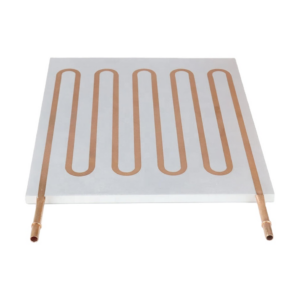
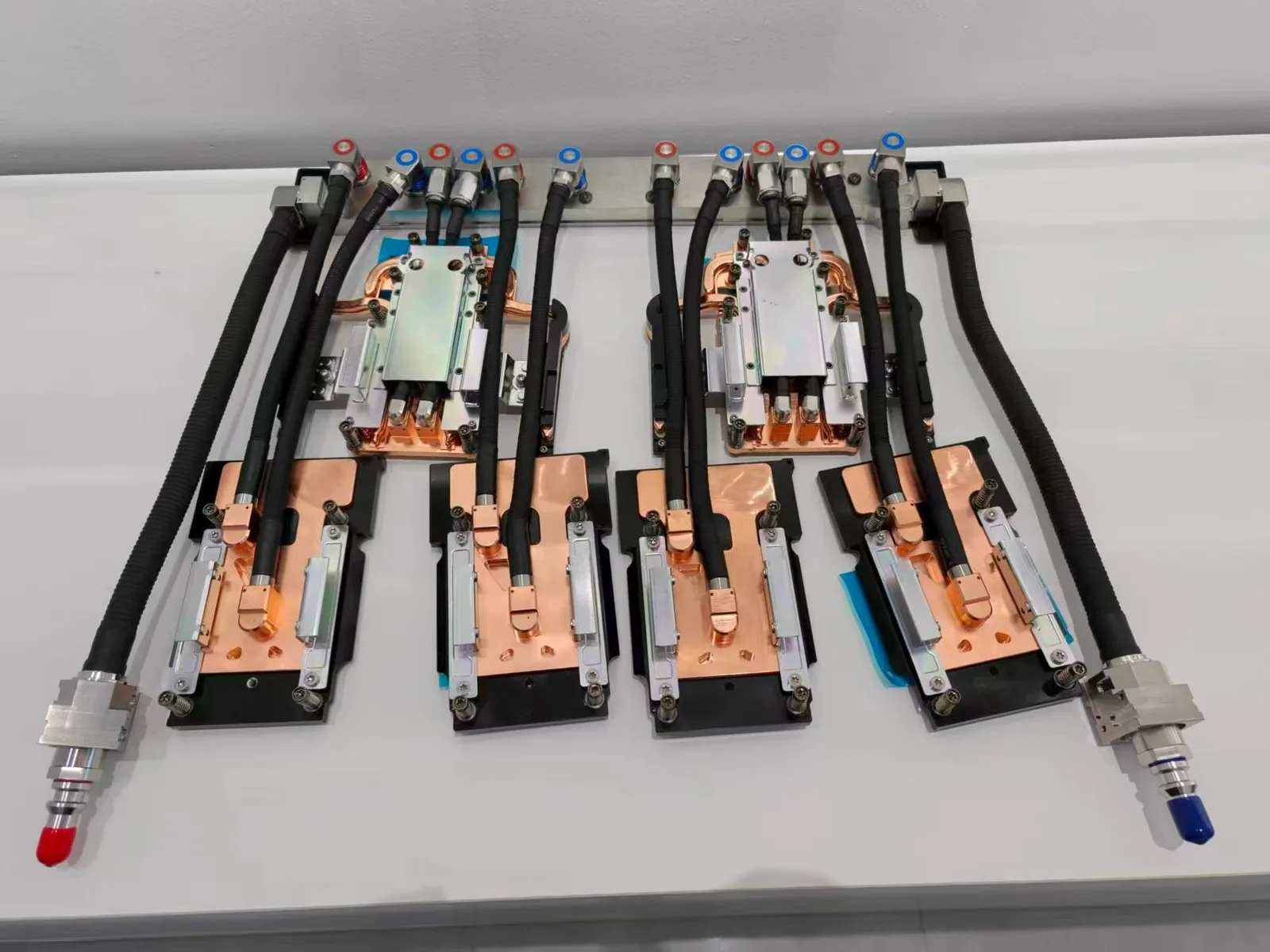
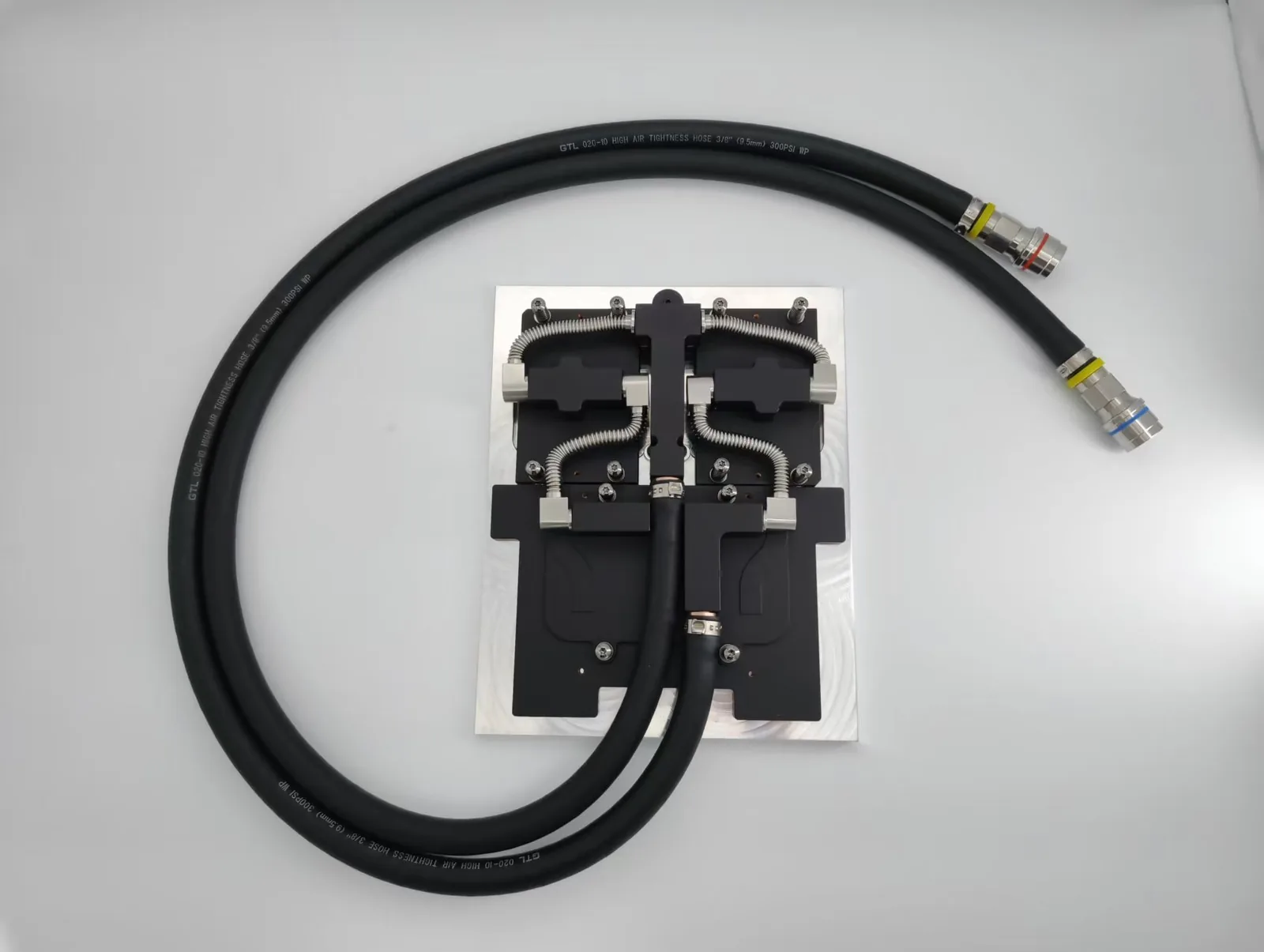
The main types are air coolers (a heat sink with fan, often with heat pipes or a vapor chamber base), all-in-one (AIO) liquid coolers, custom-loop liquid coolers and direct-to-chip cold plates used in servers. Air coolers are the simplest, while liquid options handle higher power in less space around the socket.
How do different cooling solutions impact CPU performance under heavy load?
A cooler that cannot remove the full heat load lets the CPU reach its temperature limit, where it throttles clock speed and loses performance. Better cooling keeps sustained clock speeds higher and reduces the temperature cycling that ages solder joints and other components.
When does a server CPU need a liquid cold plate instead of an air cooler?
A liquid cold plate becomes the practical choice when CPU power, rack density or chassis height leave too little room for an air cooler to stay within temperature limits. ToneCooling designs custom CPU cold plates for server platforms. Custom samples are available from a single piece, typically in 4–6 weeks.
Get a Custom Thermal Solution from ToneCooling
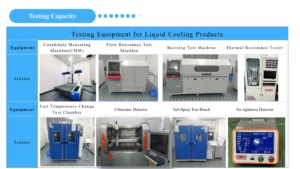
ToneCooling is a professional liquid cooling solution provider specializing in custom cold plates, AIO coolers, and advanced thermal management systems. With ISO 9001 quality management and our own manufacturing facility in Huizhou, China, we deliver prototype samples typically within 4–6 weeks. Contact ToneCooling today for a free consultation and quote. An engineer reviews every RFQ and replies by email with next steps.
For industry standards and best practices, refer to ASHRAE thermal guidelines.
Get a Custom Thermal Solution from ToneCooling
ToneCooling is a professional liquid cooling solution provider specializing in custom cold plates, AIO coolers, and advanced thermal management systems. With ISO 9001 quality management and our own manufacturing facility in Huizhou, China, we deliver prototype samples typically within 4–6 weeks. Contact ToneCooling today for a free consultation and quote. An engineer reviews every RFQ and replies by email with next steps.
Why Choose ToneCooling for Decide CPU Cooler Better
Engineering review and prototype planning are based on the project requirements. Custom prototype lead time is normally 4–6 weeks after drawing approval and order confirmation; confirm the production schedule in the quotation.
Building AI servers? See our standard GB300 4G+2C cold plate kit and GB200 cold plate kit, both supplied to published datasheets.
Need a Custom Liquid Cold Plate?
ToneCooling engineers review your drawings and requirements and reply by email with next steps.
Last updated: 2026-10-02
References: ISO 9001