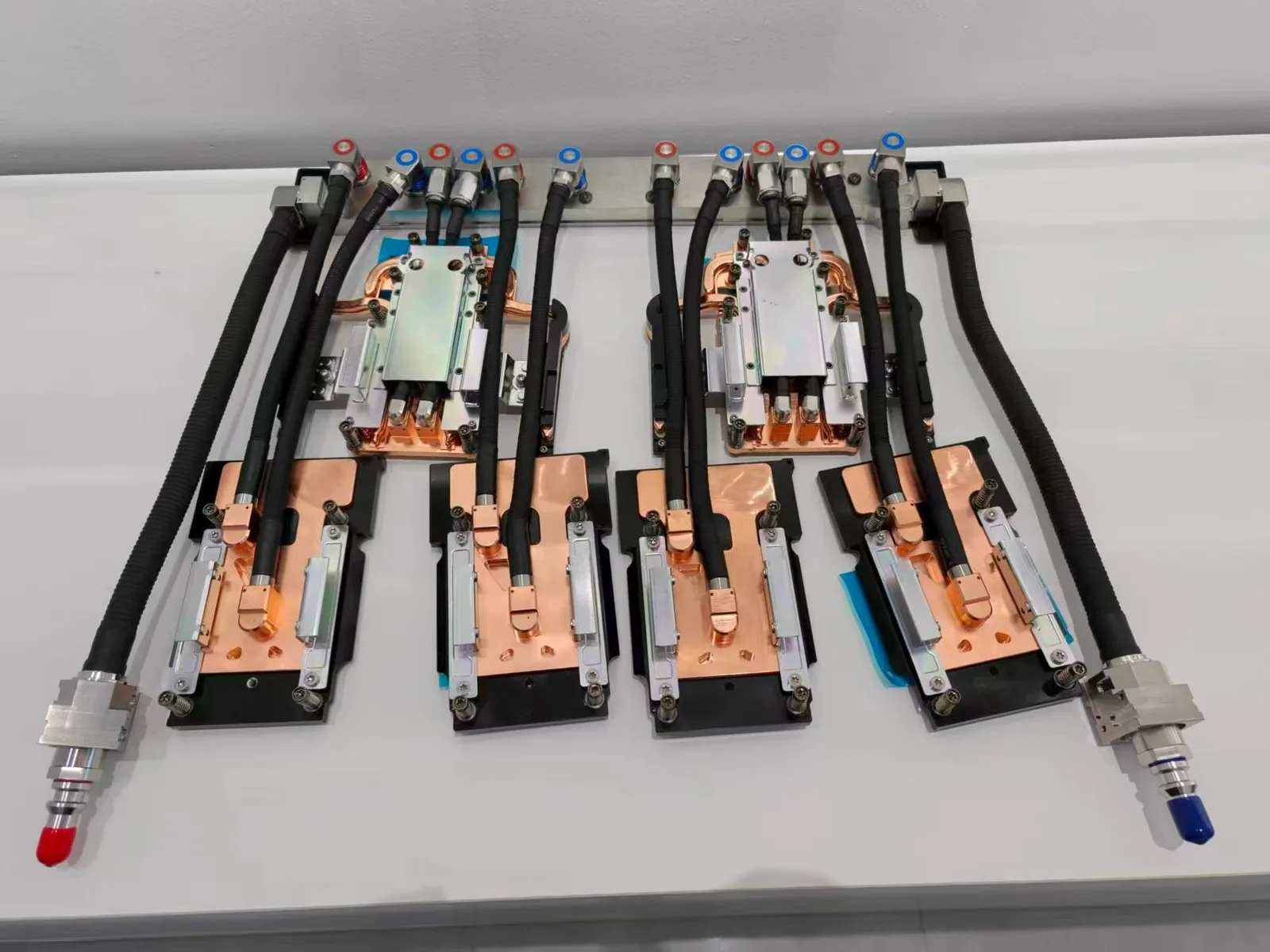
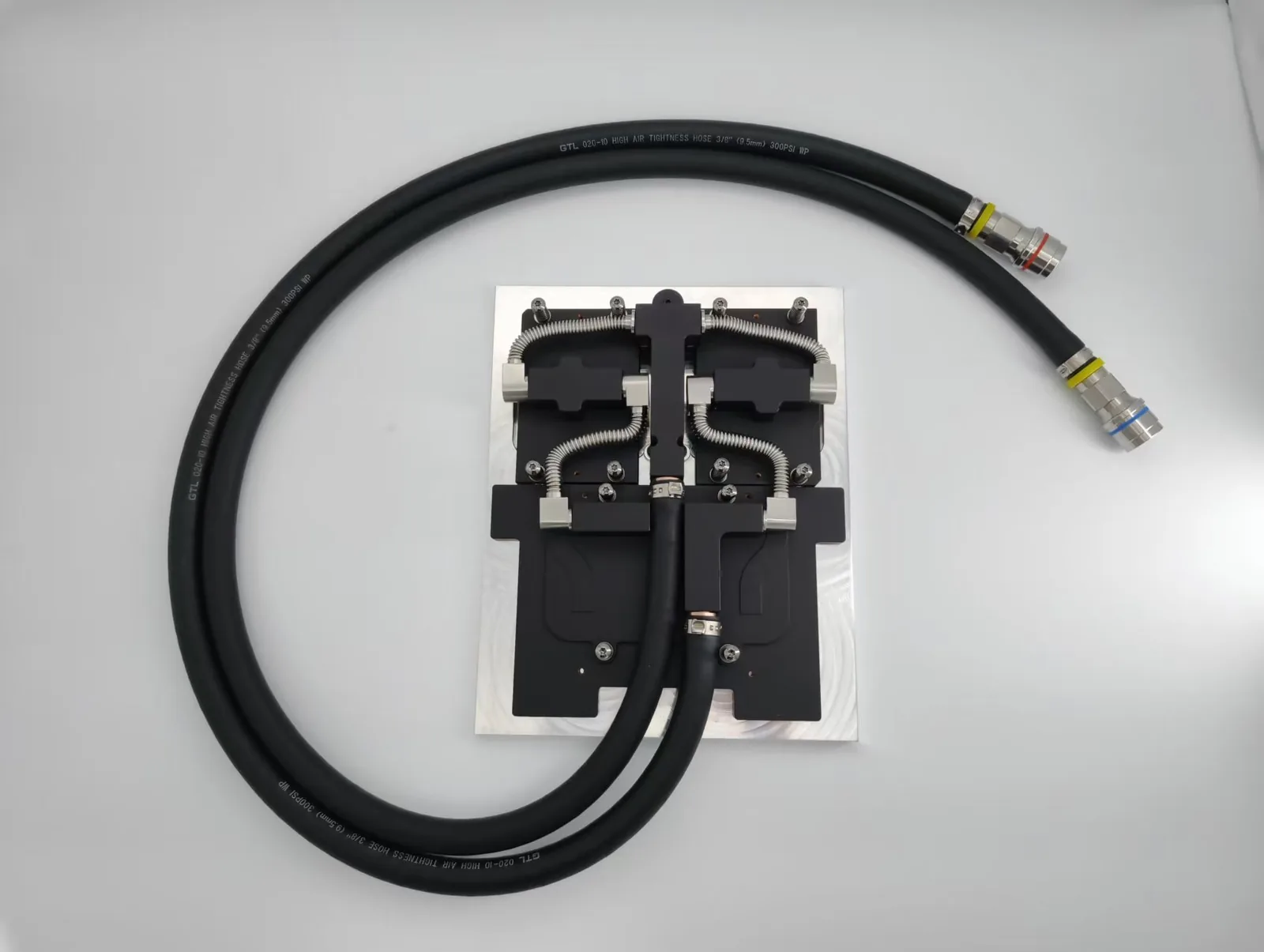
Water cooling improves processor performance by carrying heat away from the CPU faster than air, so the chip stays below its thermal limit and can hold higher clock speeds for longer without throttling. The same principle cools server and industrial processors, where ToneCooling supplies custom CPU cold plates and liquid coolers.
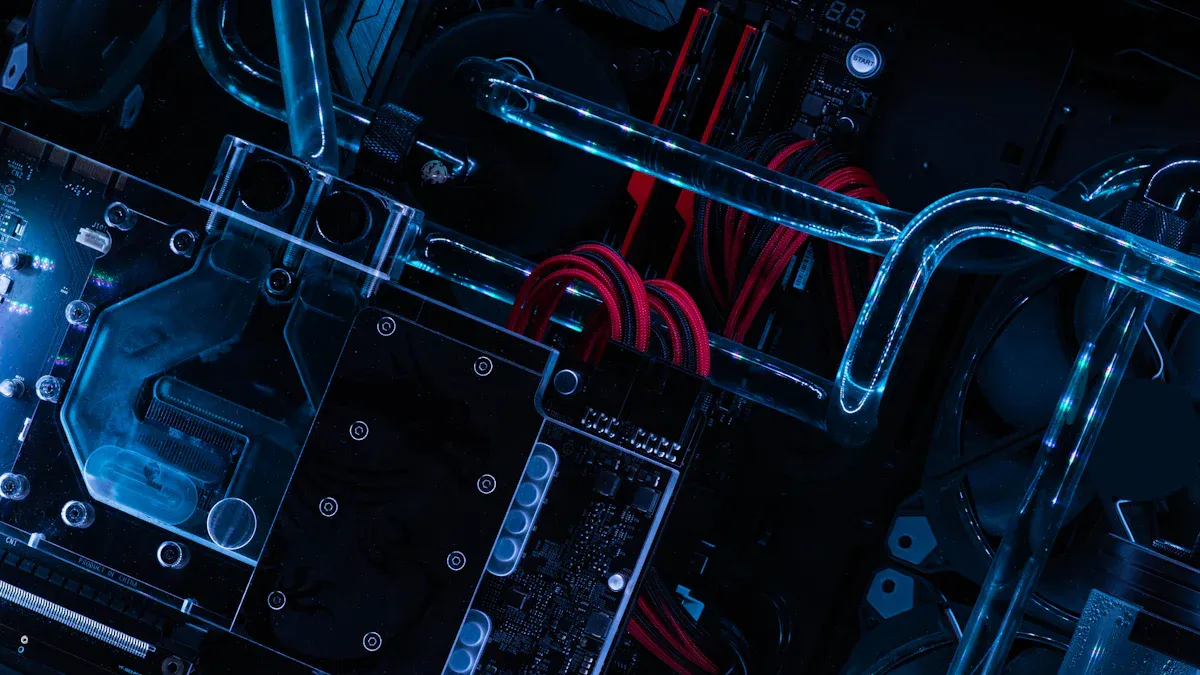
Water cooling provides superior heat dissipation for processors. This method allows higher clock speeds and greater system stability. Users achieve optimal results by selecting a suitable liquid cooling solution, ensuring correct installation, and performing routine cooling maintenance.
Tip: Consistent temperature control extends processor lifespan and boosts overall performance.
How Does Water Cooling Improve Processor Performance?
Components of a Water Cooling System
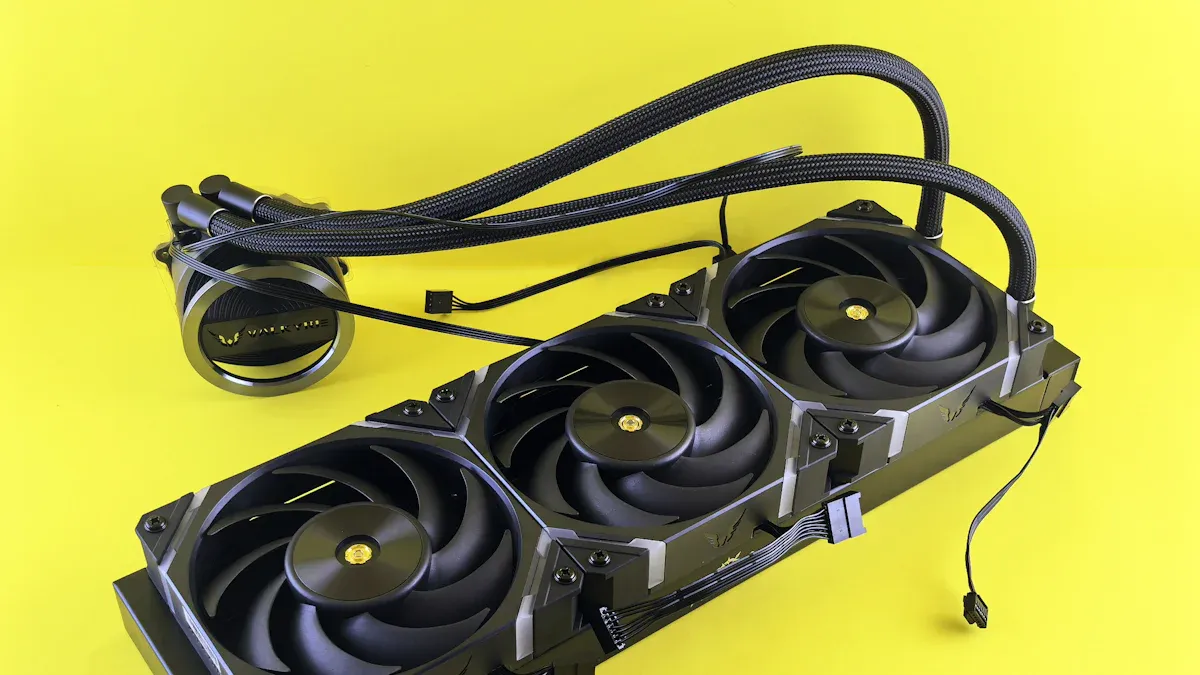
A typical water cooling system includes several key parts. The water block sits directly on the processor and absorbs heat. Tubing connects the water block to a radiator, which releases heat into the air. A pump moves the coolant through the system. The radiator often uses fans to increase cooling efficiency. Some systems use a reservoir to hold extra coolant and make filling easier.
Note: Proper installation of each component ensures the cooling system works at peak efficiency.
Advantages and Disadvantages Compared to Air Cooling
Water cooling offers several advantages over traditional air coolers. It provides better heat dissipation, allowing higher processor speeds and quieter operation. Users can achieve more stable temperatures, especially when overclocking. However, liquid cooling systems can be more complex to install and maintain. They may also cost more than air cooling solutions. Leaks or pump failures can cause problems if not addressed quickly.
| Feature | Water Cooling | Air Cooling |
|---|---|---|
| Heat Dissipation | High | Moderate |
| Noise Level | Low | Higher |
| Installation | Complex | Simple |
| Maintenance | Regular | Minimal |
Which Processors Benefit Most from Water Cooling
Water cooling improves cpu performance by removing heat more efficiently than air cooling. Lower temperatures allow the processor to run at higher speeds without thermal throttling. This method also helps maintain stable minimum FPS during demanding tasks.
High-End Gaming Processors
High-end gaming cpus generate significant heat during intense gameplay. Water cooling keeps temperatures low, which prevents performance drops. Gamers notice smoother frame rates and more consistent gameplay.
Overclocked CPUs
Overclocked cpus push beyond their factory settings. These chips produce extra heat that air cooling cannot always handle. Water cooling enables higher clock speeds and stable operation during stress tests.
Multi-Core Workstation
Workstation cpus with many cores often run heavy workloads for long periods. Water cooling manages the heat output from multiple cores working at once. Professionals experience reliable performance and fewer slowdowns.
Compact or High-Density Systems
Small or densely packed systems have limited airflow. Water cooling fits into tight spaces and removes heat directly from the cpu. This solution helps maintain safe temperatures even in compact builds.
Tip: Users who want maximum performance should consider water cooling for any cpu that runs hot or operates under heavy loads.


How to Improve Processor Performance with Water Cooling
Select the Right Water Cooling System
Choosing the correct liquid cooling system is the first step to maximize cpu performance. Users should consider radiator length, as longer radiators increase cooling efficiency and improve heat transfer. An aio cooler offers a simple solution for most builds, while custom setups provide more control over cooling performance.
The water block must fit the cpu socket and cover the processor surface evenly. Quality thermal compound and thermal interface material help transfer heat from the cpu to the cooler. A larger reservoir in the liquid cooling system can stabilize temperatures during heavy workloads.
Tip: Select a liquid cooling system that matches the cpu’s power and the case’s space for best efficiency.
Optimize Installation
Proper installation ensures the liquid cooling system works at peak efficiency. Place the water block directly on the cpu with a thin, even layer of thermal compound. Secure the radiator in a location with strong airflow to help lower temperatures.
Aio coolers simplify installation and reduce the risk of leaks. Users should check all tubing connections for tightness. Correct placement of each component improves cooling and heat transfer.
Monitor and Maintain the System
Regular system maintenance keeps cooling efficiency high. Users should check coolant levels and inspect for leaks every few months. Cleaning dust from the radiator and fans prevents heat buildup and maintains ideal temperature.
Thermal compound should be replaced every one to two years for best performance. Monitoring cpu temperatures helps detect problems early. Aio cooler pumps and fans should run smoothly without noise.
Enhance System Performance
To optimize liquid cooling, users can adjust fan curves and pump speeds in the system’s software. Lowering cpu temperatures allows for higher clock speeds and better stability. Efficient heat transfer and cooling performance help improve performance in demanding tasks.
Note: Consistent system maintenance and optimized settings ensure the liquid cooling system delivers maximum efficiency and reliability.
Installation Guide
System Prep
Proper preparation ensures a smooth cooling installation. Users should power down the system and unplug all cables. Cleaning the cpu surface removes old thermal paste and dust, which improves heat transfer.
Tip: Lay the case flat to prevent accidental drops during cooler installation.
Water Block Install
The water block sits directly on the cpu. Apply a small amount of thermal compound to the center of the cpu. Secure the water block with even pressure to guarantee full contact and efficient cooling.
A tight seal prevents leaks and maximizes heat transfer. Users should double-check mounting brackets for stability. A secure water block helps the cooler perform at its best.
Radiator Placement
Radiator placement affects cooling efficiency. Position the radiator where airflow is strongest, such as the top or front of the case. Attach the fans so they push air through the radiator fins, which helps remove heat from the coolant.
Note: Good airflow reduces the risk of heat buildup and supports stable cpu performance.
Leak Test
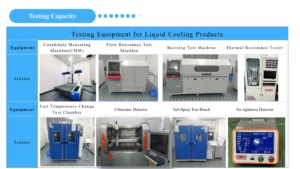
A leak test protects the system from damage. Before powering on the computer, users should run the pump and cooler fans with only the cooling system connected to power. Inspect all fittings and tubing for leaks over at least 30 minutes.
If leaks appear, tighten connections or replace faulty parts. Never ignore even small leaks, as they can harm the cpu and other components. Completing this step ensures a safe and reliable cooling setup.
Conclusion
Processors that generate high heat—such as high-end gaming CPUs, overclocked models, and multi-core workstation processors—benefit significantly from water cooling. By selecting the right system, installing it properly, and maintaining it regularly, water cooling not only keeps the processor stable but also improves overall performance.
For enthusiasts and professionals seeking maximum efficiency, water cooling is an essential investment for reliable and sustained processor performance.
For industry standards and best practices, refer to SAE International.
How Is Processor Water Cooling Done in Servers and Industrial Systems?
Servers use direct-to-chip cold plates connected to a rack manifold and CDU, or self-contained liquid coolers in 1U and 2U chassis; industrial PCs use compact closed loops. The design inputs are the processor TDP, the space above the socket, and the coolant and flow budget.
See AMD SP5 cold plates, LGA4189 liquid coolers, server CPU liquid cold plates, or send an RFQ.
Frequently Asked Questions
Does water cooling increase CPU performance?
It does not raise the rated speed, but by keeping temperatures lower it lets the processor sustain boost clocks longer instead of throttling.
Is water cooling better than air cooling for a CPU?
For high-TDP processors, sustained heavy loads or quiet systems, usually yes; for moderate loads a good air cooler is simpler and cheaper.
What is the difference between an AIO and a custom loop?
An AIO (all-in-one) is a sealed, pre-filled cooler; a custom loop uses a separate pump, reservoir, radiator and blocks that can be expanded but need more maintenance.
Can ToneCooling supply server CPU liquid cooling?
Yes: custom CPU cold plates for platforms such as AMD SP5 and Intel LGA7529, and 1U and 2U LGA4189 liquid coolers.
Get a Custom Thermal Solution from ToneCooling
ToneCooling is a professional liquid cooling solution provider specializing in custom cold plates, AIO coolers, and advanced thermal management systems. With ISO 9001 quality management and our own manufacturing facility in Huizhou, China, we deliver prototype samples typically within 4–6 weeks. Contact ToneCooling today for a free consultation and quote. An engineer reviews every RFQ and replies by email with next steps.
For industry standards and best practices, refer to SAE International.
Get a Custom Thermal Solution from ToneCooling
ToneCooling is a professional liquid cooling solution provider specializing in custom cold plates, AIO coolers, and advanced thermal management systems. With ISO 9001 quality management and our own manufacturing facility in Huizhou, China, we deliver prototype samples typically within 4–6 weeks. Contact ToneCooling today for a free consultation and quote. An engineer reviews every RFQ and replies by email with next steps.
References: ASHRAE thermal standards
Why Choose ToneCooling for CPU Liquid Cooling
Engineering review and prototype planning are based on the project requirements. Custom prototype lead time is normally 4–6 weeks after drawing approval and order confirmation; confirm the production schedule in the quotation.
Need a Custom CPU Cold Plate?
Send your processor TDP, socket and space limits. An engineer reviews every RFQ and replies by email with next steps.
Last updated: 2026-10-02
Related articles


 How to Prepare Drawings for a Data Center Cold Plate QuotationJun 2026
 Leak, Pressure and Cleanliness Validation for Data Center Cold PlatesJun 2026
 Copper vs Aluminum Liquid Cold Plates for AI Server ProjectsJun 2026