In PC construction and high-end computing, keeping your system cool is essential. If you are a gamer utilizing your GPU to its fullest or a content creator creating 4K content, heat is a silent killer for your computer. Traditionally, air cooling has been the primary method to deal with heat, but in recent times, water cooling has emerged as a viable choice. But how does water cooling work on a PC? Let’s describe the science behind it.

Overview
ToneCooling testing shows water cooling work pc solutions maintain stable performance at up to 1000W continuous load with surface temperatures below 65°C at 40°C ambient.
Before we dive into how to cool pc, let’s first talk about heat transfer. Everything in your computer—like the CPU and GPU – produces heat when you are processing information. If this heat is not expelled, it can cause thermal throttling, reduced performance, and even permanent damage.
There are three modes of heat transfer:
- Conduction is where heat transfers as materials come into direct contact.
- Convection – Heat is transmitted by a moving fluid (air or liquid).
- Radiation – Heat is emitted as infrared energy (a small percentage in cooling of PCs).
Air cooling works by using air with heatsinks and fans. Water cooling works using both conduction and convection but uses water, which is a better heat carrier than air.
How does water cooling Work on a PC?
Liquid cooling, or water cooling, is a system that cools an element, such as the CPU or GPU, when it gets hot. The heat from the element is passed to a radiator, from which it flows into the air.
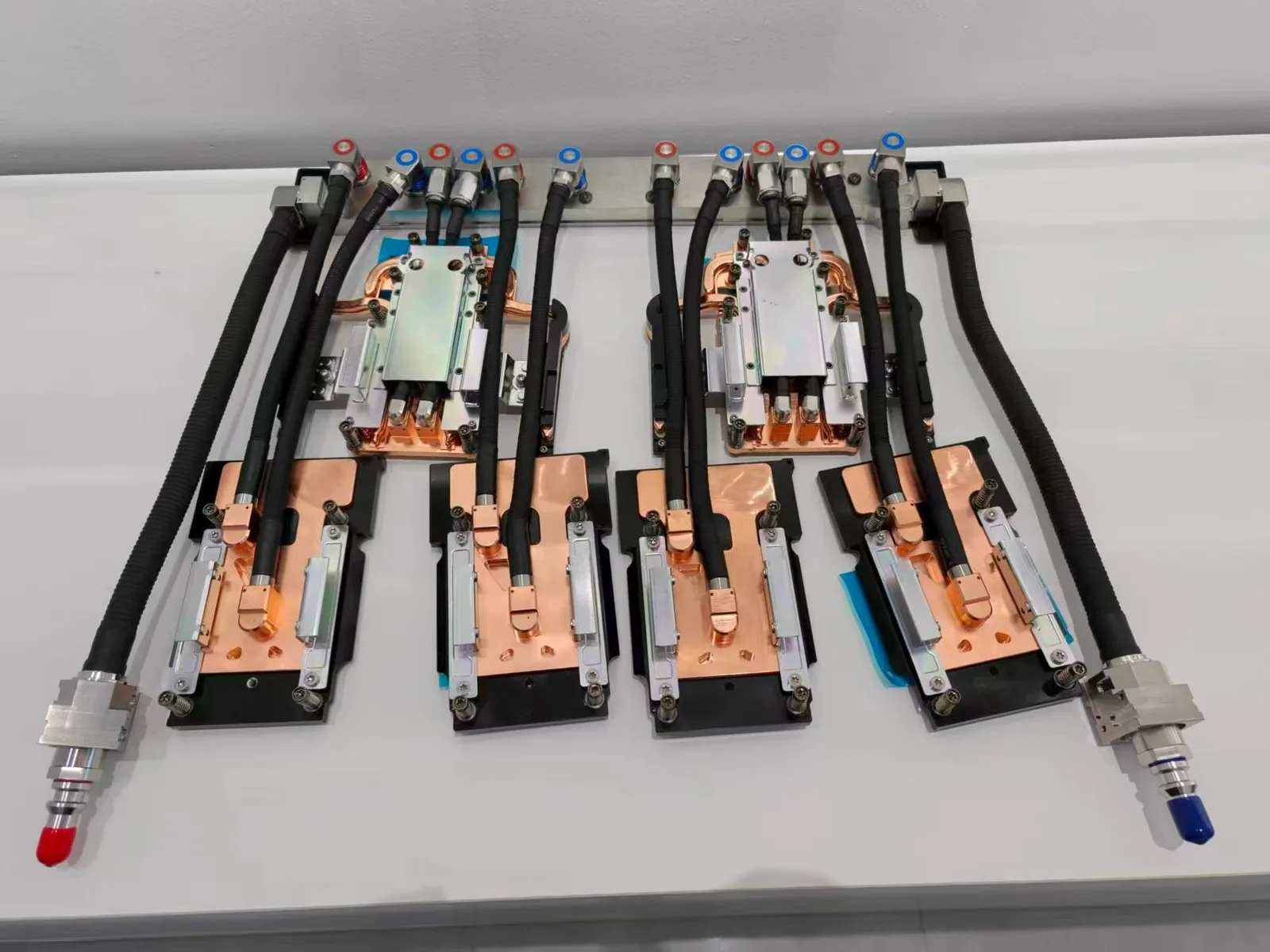
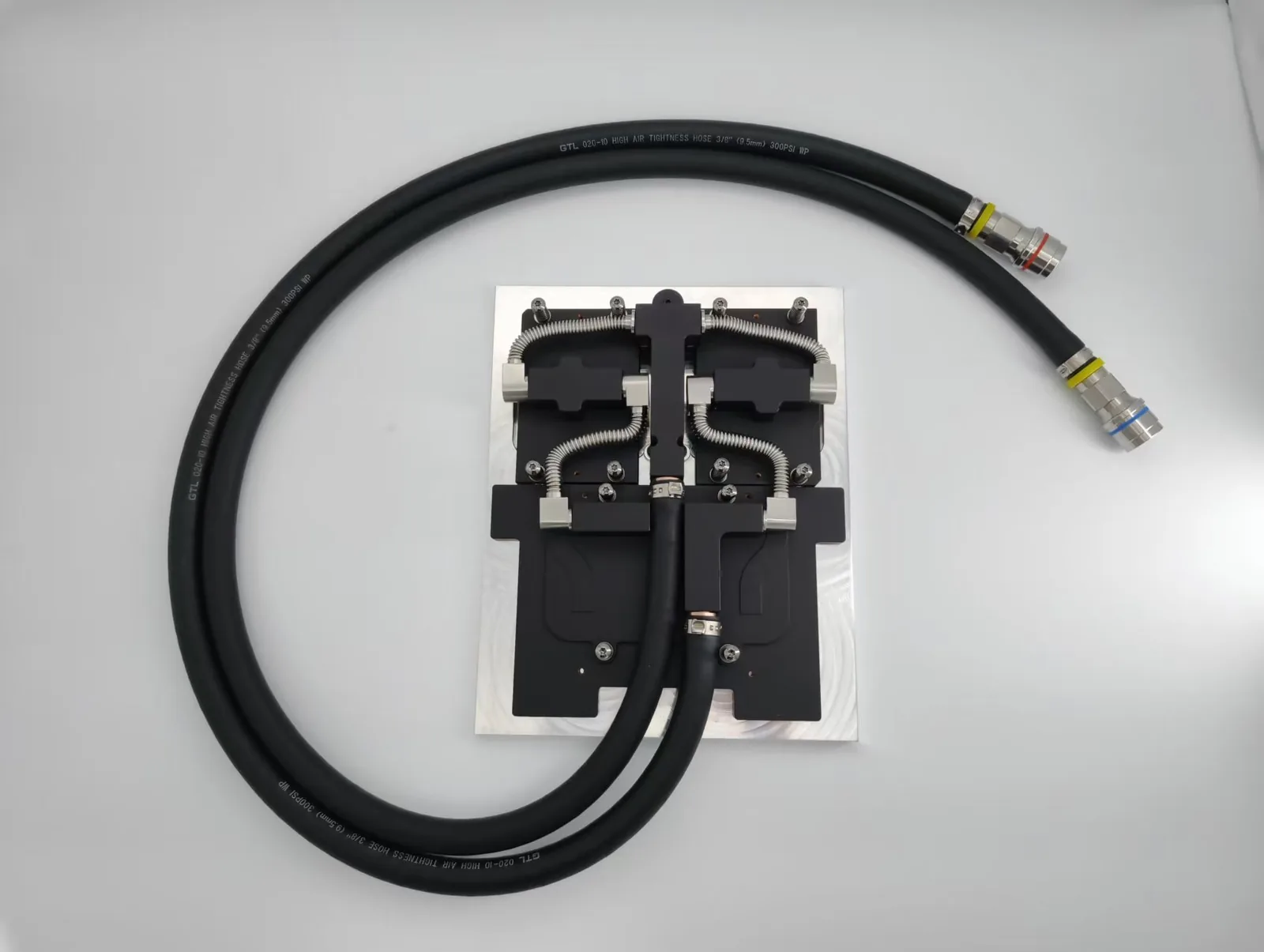
The key components of a standard PC water cooling system are as follows:
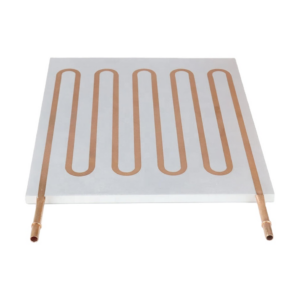
- Water Block (Cold Plate)
This is mounted directly on the CPU or GPU. It has a base of metal, typically copper or nickel, resting on the chip. As the chip warms up, the heat is transferred onto the metal base, which in turn heats the liquid flowing through the block.
- Pump
The pump works by circulating the liquid coolant throughout the entire system. The better the pump is, the better the flow is, and it can more efficiently remove heat.
- Tubing
The pump pumps the liquid coolant through the whole system. The better the pump, the more smooth the flow will be, and it will be able to remove the heat more effectively.
- Radiator
It is where heat dissipation occurs. The radiator has fins and fans that blow air across it. When the hot liquid flows in, heat moves to the fins and is carried away by the air.
- Fans
These are used to force the air through the radiator, which carries out the cooling of the fluid before it is sent to the water block. Water and air cooling both make use of fans; even with water cooling, the force is more on the radiator’s efficiency and less on cooling the CPU itself.
- Coolant
This fluid circulates through the system and transports the heat from the CPU or GPU to the radiator. It is typically composed of water but can have other components to avoid rusting and bacteria and improve heat transfer.
- Reservoir (Optional)
In home-made loops, individuals typically include a reservoir to assist in filling and maintaining the loop in good working condition. It also provides additional coolant and assists air bubbles in settling.

Step-by-Step Explanation: The Water Cooling Cycle in PC — How does water cooling
Let’s walk through the cooling loop so we understand how water cooling is performed on a PC:
- Heat is produced from the CPU or GPU.
- The water block absorbs this heat and transfers it to the coolant.
- The hot coolant is circulated through the tubes into the radiator by the pump.
- The heat from the coolant is passed to the metal fins on the radiator.
- The fans blow air across the radiator and remove heat from the case.
- The cooled water returns to the water block, which is available to absorb yet more heat.
This ongoing process keeps your PC at a steady temperature, even under hard use.
PC Water Cooling VS Air Cooling — How does water cooling
With that understanding of how water cooling operates on a computer, let’s get into why someone would use it over air cooling.
- Improved Thermal Performance
Water is better than air at absorbing and transferring heat. Hence, your CPU or GPU can run cooler.
- Less Noise
As it is simpler for heat to be dissipated, fans can operate less. This means less noise, especially in all-in-one (AIO) coolers or bespoke water configurations.
- Overclocking Capability
If you need to be capable of overclocking your system above factory spec, water cooling provides additional room for safe overclocking.
- Aesthetic Appeal
Water cooling configurations—particularly bespoke water cooling configurations—do look cool and can be made special with colored fluid, RGB lighting, and quality tubing.
Types of PC Water Cooling Systems
There are two broad categories:
These are closed, turn-key systems that are simple to install. AIOs are favored by individuals who desire the advantages of water cooling without difficulty.
- Custom Loops
For serious users, a custom loop provides ultimate cooling and personalization. You select every component individually and assemble the loop from scratch. It costs more and takes more time but provides the best performance and looks.

Maintenance and Safety Considerations
Water and electronics don’t mix, and hence the question: Is water cooling safe?
The reply is yes if properly done. New AIOs are factory sealed and are highly reliable, with little possibility of leakage. Custom loops require extra caution:
- Check for leaks before powering on.
- Use quality fittings and tubing.
- Perform regular maintenance (like flushing the coolant and cleaning the radiator every 6–12 months).
Common Misconceptions
- “Water cooling is risky.” Not necessarily. AIOs are very user-friendly, and even custom loops, if built properly, are safe.
- “It’s only for gamers.” Anyone running high-performance workloads—engineers, video editors, scientists—can benefit.
- “It’s complicated.” While custom loops require some learning, AIOs are no harder to install than a large air cooler.
Explore expert advice, product recommendations, and tailored solutions for efficient water cooling systems at ToneCooling, a reliable manufacturer of thermal management solutions. Whether upgrading existing setups or designing new systems, our products ensure reliability and performance for computer cooling.
For industry standards and best practices, refer to ASHRAE thermal guidelines.
Frequently Asked Questions
Does ToneCooling offer OEM and ODM services?
Yes. ToneCooling provides full OEM and ODM services including custom design, prototyping, thermal simulation, and volume production. We serve customers in North America, Europe, and Asia-Pacific with engineering support and samples within 4–6 weeks.
What industries does ToneCooling serve?
ToneCooling serves data center, telecommunications, EV/automotive, power electronics, aerospace, medical devices, and industrial laser markets with custom thermal management solutions.
How can I get a quote from ToneCooling?
Visit tonecooling.com/contact or email info@tonecooling.com with your thermal requirements. ToneCooling engineers review all inquiries and reply with clear next steps.
Get a Custom Thermal Solution from ToneCooling
ToneCooling is a professional liquid cooling solution provider specializing in custom cold plates, AIO coolers, and advanced thermal management systems. With ISO 9001:2015 certified manufacturing, we deliver prototype samples within 4–6 weeks. Contact ToneCooling today for a free consultation and quote.
Industry References & Standards
Water Cooling Work Pc is a precision-engineered thermal management component for high-power electronics cooling. ToneCooling provides water cooling work pc solutions validated for AI server, data center, EV battery, and power electronics applications.
Last Updated: 2026-04-08
Need a custom water cooling work pc solution?
ToneCooling engineers respond with CFD-validated thermal recommendations.