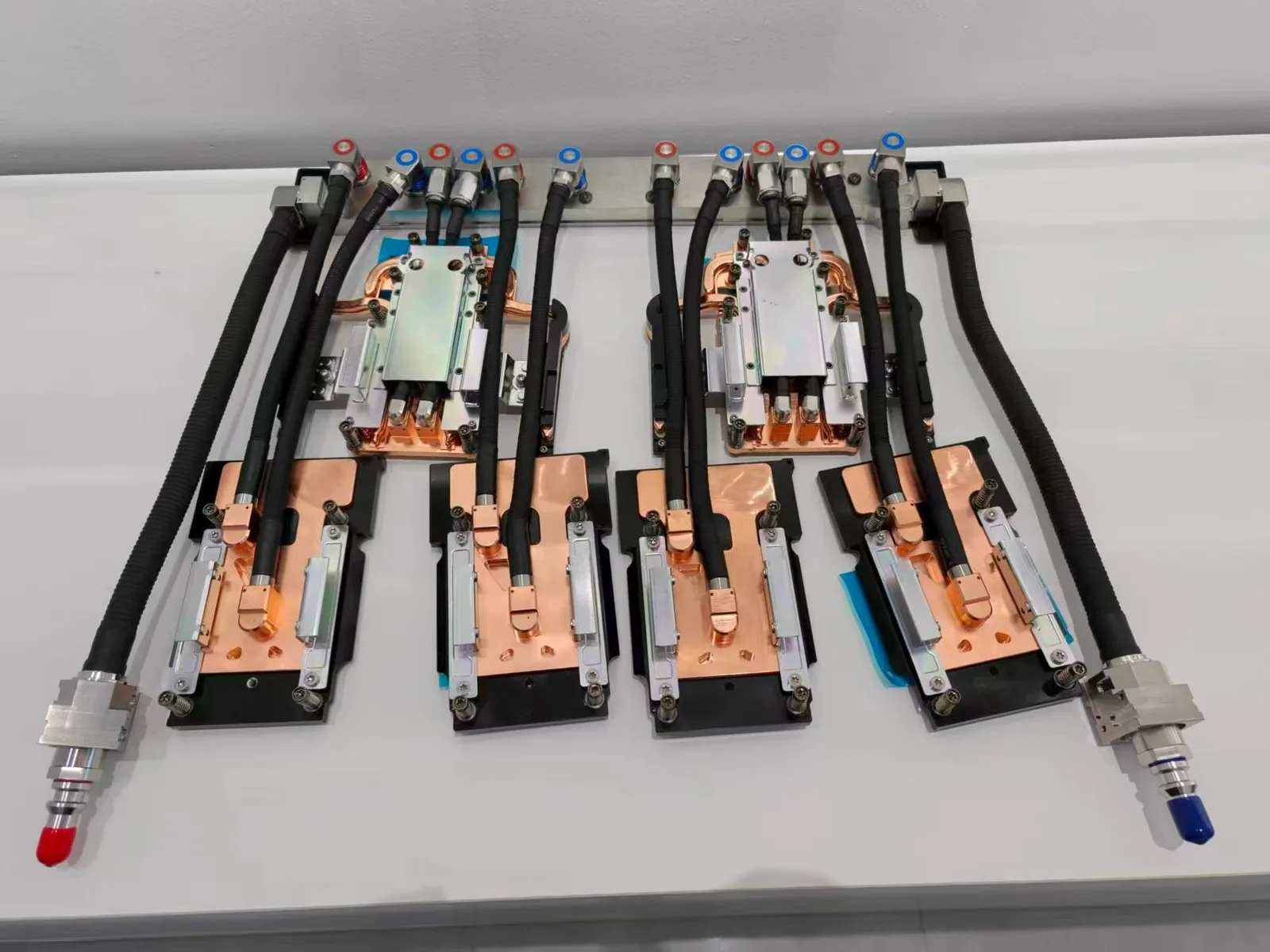
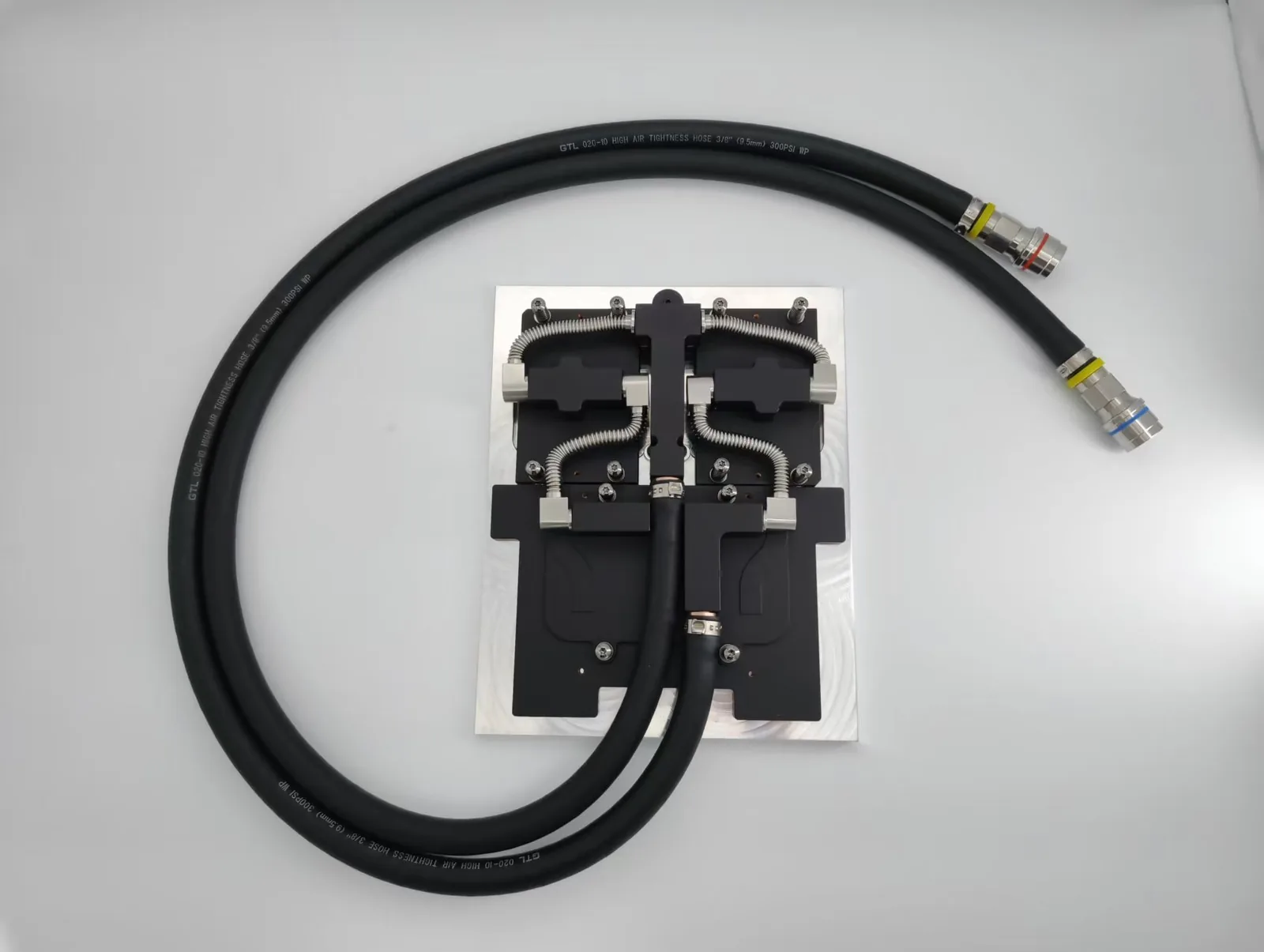
If you’ve ever assembled your own PC or seen someone else do it, you may have seen those slim, high-tech cooling systems with tubes and a radiator.
These small, high-performance systems are meant to cool your CPU (or even GPU) when you push your machine to its limits.
In this article, we’ll guide you through everything you should know about AIO cooler – how they function, when to apply them, and why they may be the best option for your setup.

What Is a AIO Cooler?
This, also known as an All-in-One liquid cooler, is a pre-assembled liquid cooling system that helps control the heat your CPU or GPU produces when it’s running. In contrast to traditional ones that use fans and heat sinks, these employ liquid to move heat from your processor.
So, what is an AIO cooler? It’s a closed system that combines a pump, water block, tubing, radiator & fans, all doing their thing to cool your processor safely.
It’s referred to as “all-in-one” because you have everything you require for liquid cooling built into one solution, so it’s a simple matter of installing it without having to assemble a custom water-cooling system.
This kind is particularly in demand among gamers, content creators & those who need a high-performance PC with improved temperature control.
How Does AIO Cooler Work?
Now that you understand what is a AIO cooler, let’s find out its functions. The heart of its setup is the water block, which is placed directly on top of the CPU or GPU. This block absorbs heat from the processor.
Attached to the block is a pump, which drives the heat-soaking liquid (or coolant) through soft tubing to the radiator. The radiators act like a heat exchanger.
As the warm liquid flows through the radiator, fans mounted on the blow air through its metal fins help release the warmness into the surrounding air. Once it cools down, it cycles back through the tubing to the water block, and the process repeats.
When Should You AIO Cooling?
Whether you are new to PC building or are a seasoned enthusiast, understanding when to employ can allow you to make more informed picks. Below are some situations that make a lot of sense:
- High-performance gaming or overclocking: If you’re running your CPU at higher speeds, you’ll generate more heat. AIO can handle those temperatures better than most air coolers.
- Compact PC builds: Coolers are available in various sizes, such as 120mm, 240mm & even 360mm. Their size can provide space savings, which is a good thing for small or medium-sized cases.
- Quieter operation: Since all-in-one employs liquid to transfer heat, they don’t depend on high-speed fans, so your system can operate more quietly.
- Slim aesthetics: Most have adjustable RGB lighting & trendy designs that give your build a sleek, high-tech appearance.
However, if you’re using your computer just for general web browsing or office applications, this might be all that you require.
What Are Advantages Of AIO Cooler?
Better Cooling Performance: AIO coolers efficiently lower CPU and GPU temperatures, enhancing system stability and overclocking potential.
Lower Noise Levels: Featuring low-RPM fans and advanced pump designs, AIO coolers provide quieter operation while maintaining high cooling efficiency.
Space Efficiency: Their streamlined design improves clearance around the CPU socket, reducing interference with RAM modules and other motherboard components.
Clean and Compact Design: AIO coolers offer a sleek, space-saving design, ideal for small form-factor builds and maintaining a tidy system.
Clean Build Aesthetic: Without the bulk of a large heatsink and fan, AIOs create a cleaner, more organized appearance inside the case.
Longer Component Lifespan: By reducing heat, AIO coolers help extend the lifespan of components, preventing damage from overheating.

AIO Cooler vs. Air Cooler: What’s the Difference?
You may be wondering how to decide between a normal air and an AIO liquid cooler. Knowing it also involves comparing it with conventional cooling methods. Here’s a basic breakdown:
| Feature | AIO Cooler | Air Cooler |
| Cooling Method | Liquid | Air |
| Size | Compact around CPU, radiator mounted elsewhere | Bulky heatsink on CPU |
| Installation | Slightly more complex | Simple |
| Noise | Quieter under load | Can be louder |
| Aesthetics | Sleek with RGB options | Bulkier look |
| Price | Typically higher | More budget-friendly |
AIO coolers are great for demanding applications and stylish builds. It is perfect for simplicity and affordability.
How to Maintain an AIO Liquid Cooler
One of the benefits of this is that they’re low maintenance. But that doesn’t mean that they are completely hands-off. Below are a few easy tips to make your cooler work smoothly:
- Keep dust out: Make sure the radiator and fans stay clean. Dust can block airflow and reduce performance.
- Check mounting: Every few months, inspect the mounting to ensure the water block is still making good contact with the CPU.
- Listen for noise: Gurgling or bubbling sounds could mean air has entered the loop. While rare, it’s a sign the cooler might be aging.
While you don’t need to refill the cooler (they’re sealed units), it’s a good idea to replace one every 5–7 years or if performance starts to drop.
How to Choose the Right AIO Cooler
Now that you understand what is a AIO cooler, let’s talk about selecting the best one for your system. The key factors to consider are:
- Pick 120,240mm, 280 or 360mm, depending on your case radiator size & cooling requirements.
- Make sure the cooler supports your CPU model.
- If looks matter, consider options with RGB lighting and a sleek design.
- Check Noise level and fan quality for better airflow and quieter operation.
Whether you’re building a gaming rig or a creative workstation, picking the right one can make a big difference in performance and satisfaction.

Conclusion
An AIO cooler is a smart, efficient, and modern solution for cooling your CPU or GPU. Using liquid cooling, it offers excellent temperature control, quieter operation, and a cleaner PC build.
Whether gaming, working, or aiming for a high-performing setup, an AIO cooler is a valuable upgrade for your system.For quieter, more efficient performance with reduced heat, an AIO cooler is the solution.
Be sure to prioritize security, check reviews, and choose the right size for your case. With the right AIO cooler, your computer will run faster, stay cooler, and last longer.
At ToneCooling, we design and manufacture reliable AIO coolers. With over two decades of experience, our customizable solutions meet your specific needs. Contact us today to learn how our advanced liquid cooling products can enhance your next PC build.
For industry standards and best practices, refer to ASHRAE thermal guidelines.
Frequently Asked Questions
Does ToneCooling offer OEM and ODM services?
Yes. ToneCooling provides full OEM and ODM services including custom design, prototyping, thermal simulation, and volume production. We serve customers in North America, Europe, and Asia-Pacific with engineering support and samples within 4–6 weeks.
What server platforms does ToneCooling support?
ToneCooling liquid cooling solutions support Intel LGA4677, Intel LGA7529, AMD SP5, and NVIDIA GPU platforms including GB200 and H100/H200 configurations.
Can ToneCooling provide direct-to-chip cooling for AI clusters?
Yes. ToneCooling designs and manufactures direct-to-chip liquid cooling cold plates for GPU and CPU in AI training and inference clusters, supporting thermal loads exceeding 700W per chip.
Get a Custom Thermal Solution from ToneCooling
ToneCooling is a professional liquid cooling solution provider specializing in custom cold plates, AIO coolers, and advanced thermal management systems. With ISO 9001:2015 certified manufacturing, we deliver prototype samples within 4–6 weeks. Contact ToneCooling today for a free consultation and quote.
Industry References & Standards
Why Choose ToneCooling for Aio Liquid Cooler
Engineering review and prototype planning are based on the project requirements. Custom prototype lead time is normally 4–6 weeks after drawing approval and order confirmation; confirm the production schedule in the quotation.
Last Updated: 2026-04-08
Need a custom aio cooler work solution?
ToneCooling engineers respond with CFD-validated thermal recommendations.
Related articles


 How to Prepare Drawings for a Data Center Cold Plate QuotationJun 2026
 Leak, Pressure and Cleanliness Validation for Data Center Cold PlatesJun 2026
 Copper vs Aluminum Liquid Cold Plates for AI Server ProjectsJun 2026