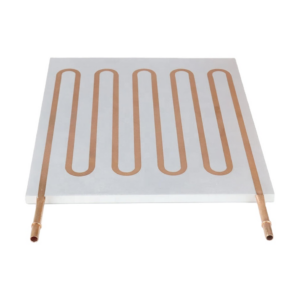
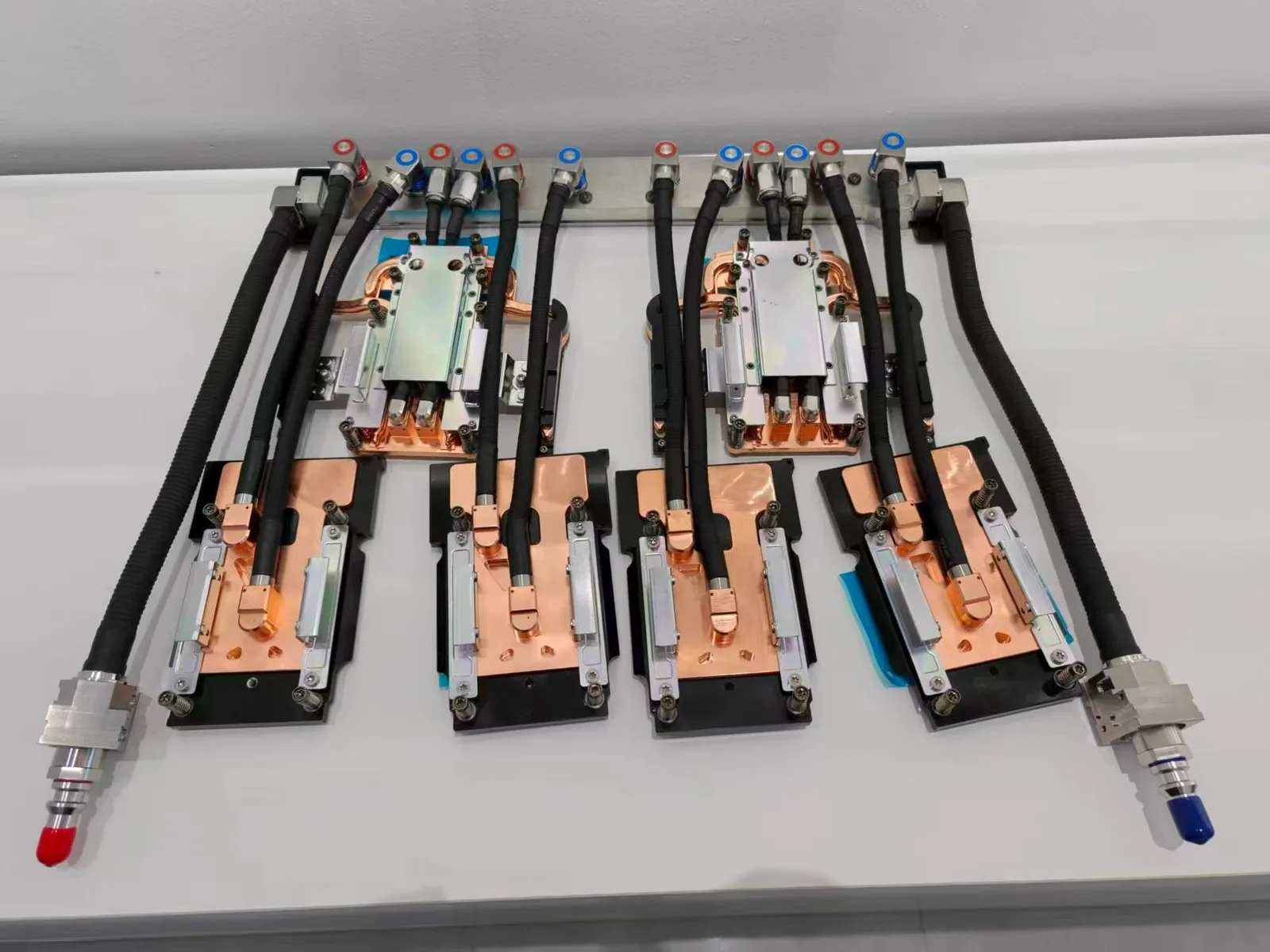
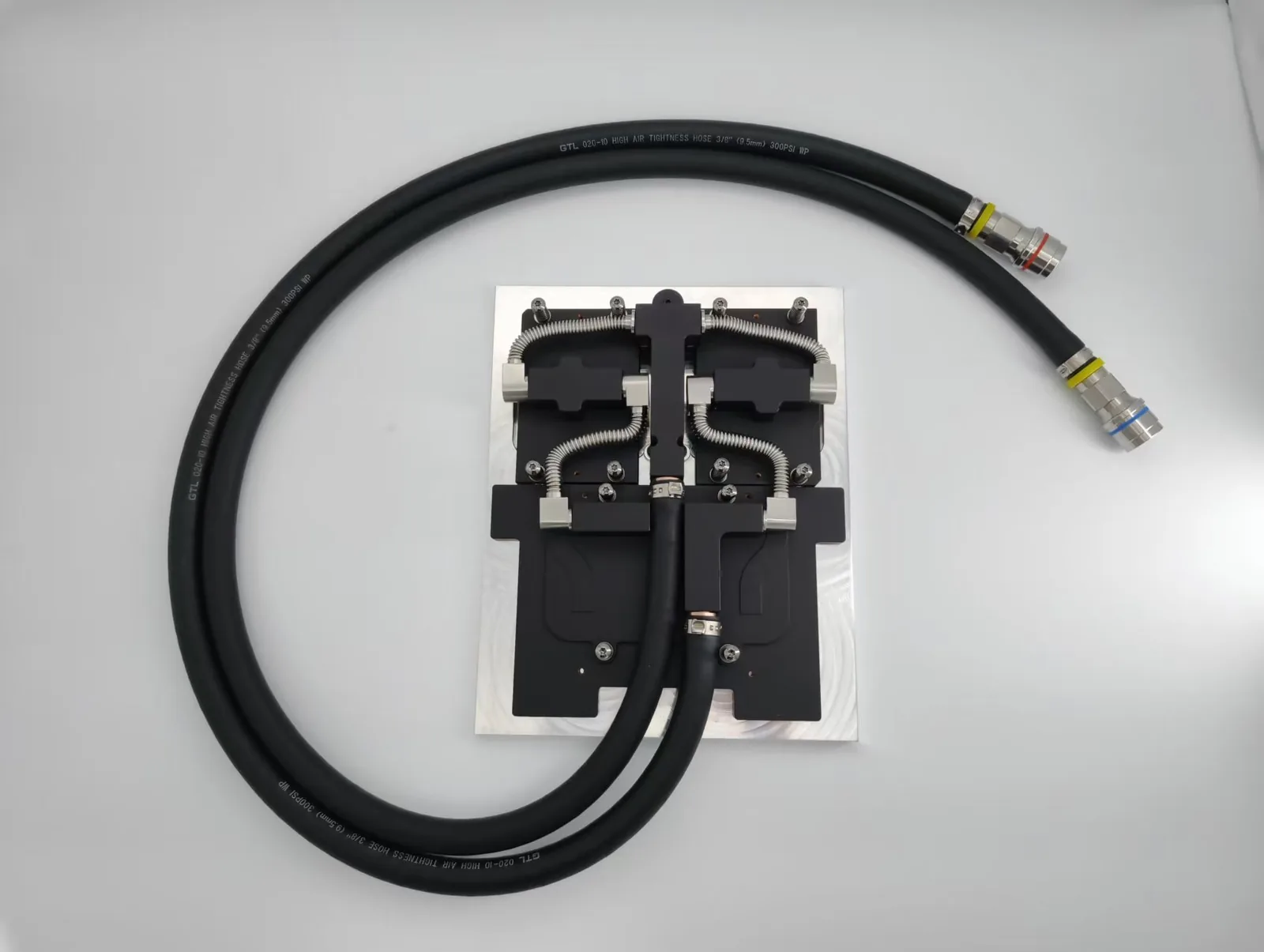
Cold plate bending is a frequent issue encountered in liquid-cooled systems using AMD processors. Unlike Intel CPUs, AMD’s integrated heat spreaders (IHS) often feature a slight curvature or uneven surface profile, which, when combined with high mounting pressure or poorly matched cold plates, leads to uneven contact. This compromises thermal transfer efficiency, increases core temperatures, and can throttle performance over time. This article explains the causes of cold plate bending, how to avoid these problems.

Overview
Manufacturing Tolerances and AMD IHS Design — Cold plate bending issues
Manufacturing tolerances play a significant role in cold plate and CPU IHS compatibility. AMD processors often feature an integrated heat spreader (IHS) with slight variations in flatness. These small inconsistencies can lead to uneven contact between the cold plate and the CPU IHS.
When the cold plate fails to sit flush against the IHS, thermal transfer efficiency decreases. This issue becomes more pronounced when the cold plate itself exhibits warping or imperfections. Over time, even minor deviations in flatness can cause bending, further reducing cooling performance.
Mounting Pressure and Installation Errors — Cold plate bending issues
Improper mounting pressure is another common cause of cold plate bending. Excessive force during cooler installation can deform the cold plate, especially if the pressure is unevenly distributed. Many users unintentionally overtighten screws, which increases the risk of bending.
On the other hand, insufficient pressure can prevent the cold plate from making proper contact with the CPU IHS. Both scenarios compromise thermal conductivity and cooling efficiency. Additionally, errors during installation, such as misaligned coolers or uneven application of thermal paste, exacerbate these issues.
Cooler Compatibility and Flatness Issues
Cooler compatibility significantly impacts cold plate performance. Not all coolers are designed to match the specific dimensions and flatness of AMD CPUs. Some coolers may have cold plates that are too rigid or poorly aligned, leading to inadequate contact with the CPU IHS.
Incompatible coolers often fail to distribute pressure evenly, increasing the likelihood of bending. Users should also consider the flatness of both the cold plate and the IHS before installation. Testing for flatness ensures optimal thermal transfer and minimizes the risk of long-term damage.
Cold Plate Material and Thickness
The material and thickness of the cold plate directly affect its structural integrity. Many high-performance coolers use copper cold plates for better thermal conductivity, but copper is relatively soft. If the cold plate is too thin, it can deform under mounting pressure, especially during installation or over time.
Reinforced designs—such as thicker copper bases or cold plates paired with stainless steel backing—can improve rigidity and reduce the risk of bending. Material selection at the design stage is crucial to prevent long-term mechanical distortion.
Thermal Paste Thickness and Spread Behavior
Thermal paste is often overlooked, but its properties can impact cold plate performance. If the paste is too viscous or applied too thinly, it may not compensate for surface irregularities between the IHS and the cold plate.
This can create high-pressure contact points that stress the cold plate unevenly. During thermal cycling, these localized stresses can lead to gradual warping. A proper application of thermal paste ensures even load distribution and reduces the mechanical strain that contributes to cold plate bending.

Impact of Cold Plate Bending on Thermal Performance
Reduced Cooling Efficiency and Thermal Contact
Cold plate bending leads to uneven contact between the cooler and the CPU IHS. This reduces the effective surface area for thermal transfer, allowing heat pockets to form between the two surfaces.
Even slight deviations in flatness can significantly impact thermal conductivity. Over time, this imperfect contact causes a decline in cooling efficiency and prevents the CPU from maintaining stable operating temperatures under load.
Increased CPU Temperatures and Performance Throttling
As cooling performance declines, CPU core temperatures begin to rise. Modern CPUs include thermal sensors that automatically trigger clock speed reductions—known as thermal throttling—to avoid damage.
This safety mechanism slows down processing speeds, affecting real-time tasks like gaming, rendering, or compiling code. Sustained high temperatures can lead to lower sustained performance and reduced system responsiveness, especially during peak workloads.
Long-Term Risks to CPU Longevity
Over time, repeated thermal stress from poor contact can reduce CPU lifespan. Inconsistent heat dissipation accelerates thermal fatigue, where constant expansion and contraction weaken internal structures.
This may also cause interface degradation between the CPU die and the IHS. In severe cases, localized overheating can permanently warp the IHS or cause microfractures in solder joints. Addressing cold plate alignment early helps maintain CPU reliability and prevents irreversible damage.
Solutions to Address Cold Plate Bending
Checking Flatness of the Cold Plate and AMD IHS
Ensuring a truly flat surface is the first step in addressing cold plate bending. Users should check flatness by placing a straight edge or razor blade across the cold plate and the CPU IHS. This method reveals any gaps or uneven areas that could disrupt thermal transfer. A perfect flat surface ensures optimal contact between the cooler and the CPU, improving cooling efficiency.
For AMD processors, variations in the IHS design make this step even more critical. A flat mating surface between the cold plate and the CPU IHS minimizes thermal resistance. If the cold plate or IHS shows significant unevenness, users may need to consider lapping. This process involves sanding the surface to achieve a truly flat surface, though it requires precision and care.
Proper Installation and Mounting Pressure Adjustment
Correct installation plays a vital role in preventing cold plate bending. Users should follow the cooler manufacturer’s guidelines to ensure even mounting pressure. Uneven pressure can warp the cold plate, reducing its contact with the CPU IHS. Tightening screws in a diagonal pattern helps distribute force evenly, maintaining a perfect flat surface.
Thermal paste application also affects the outcome. Applying an appropriate amount of thermal paste ensures proper heat transfer without creating gaps. Excessive paste can interfere with flatness, while too little may leave areas of poor contact. Regularly checking flatness after installation helps identify and resolve any issues early.
Using Compatible Coolers and Aftermarket Solutions
Choosing a compatible cooler is essential for avoiding cold plate bending. Not all coolers are designed to match the dimensions and flatness of AMD CPUs. Users should select coolers specifically tested for AMD processors to ensure a flat mating surface. Coolers with adjustable mounting mechanisms provide better control over pressure distribution.
Aftermarket solutions offer additional support. These frames help maintain flatness by reinforcing the cooler’s mounting system. They also reduce the risk of uneven pressure, ensuring the cold plate remains in proper contact with the CPU IHS. Combining a compatible cooler with an AM5 secure frame creates a reliable cooling solution for AMD systems.

Conclusion
For industry standards and best practices, refer to ASHRAE thermal guidelines.
Frequently Asked Questions
Does ToneCooling offer OEM and ODM services?
Yes. ToneCooling provides full OEM and ODM services including custom design, prototyping, thermal simulation, and volume production. We serve customers in North America, Europe, and Asia-Pacific with engineering support and samples within 4–6 weeks.
What materials are used in ToneCooling liquid cold plates?
ToneCooling manufactures cold plates in aluminum (6061/6063), copper (C1100/C1020), and stainless steel. Aluminum FSW cold plates are ideal for high-volume EV and industrial applications, while copper brazed cold plates provide maximum thermal conductivity (398 W/m·K) for high heat flux electronics.
What is the typical lead time for custom cold plates?
Prototype samples are delivered within 4–6 weeks. Production orders typically ship within 6–8 weeks after sample approval. ToneCooling engineers review all quote requests and reply with clear next steps.
Get a Custom Thermal Solution from ToneCooling
ToneCooling is a professional liquid cooling solution provider specializing in custom cold plates, AIO coolers, and advanced thermal management systems. With ISO 9001:2015 certified manufacturing, we deliver prototype samples within 4–6 weeks. Contact ToneCooling today for a free consultation and quote.
Industry References & Standards
Need a Custom Liquid Cold Plate?
ToneCooling engineers design thermal solutions for your specific requirements. Get an engineering RFQ review based on your uploaded requirements.
Last Updated: 2026-04-08