
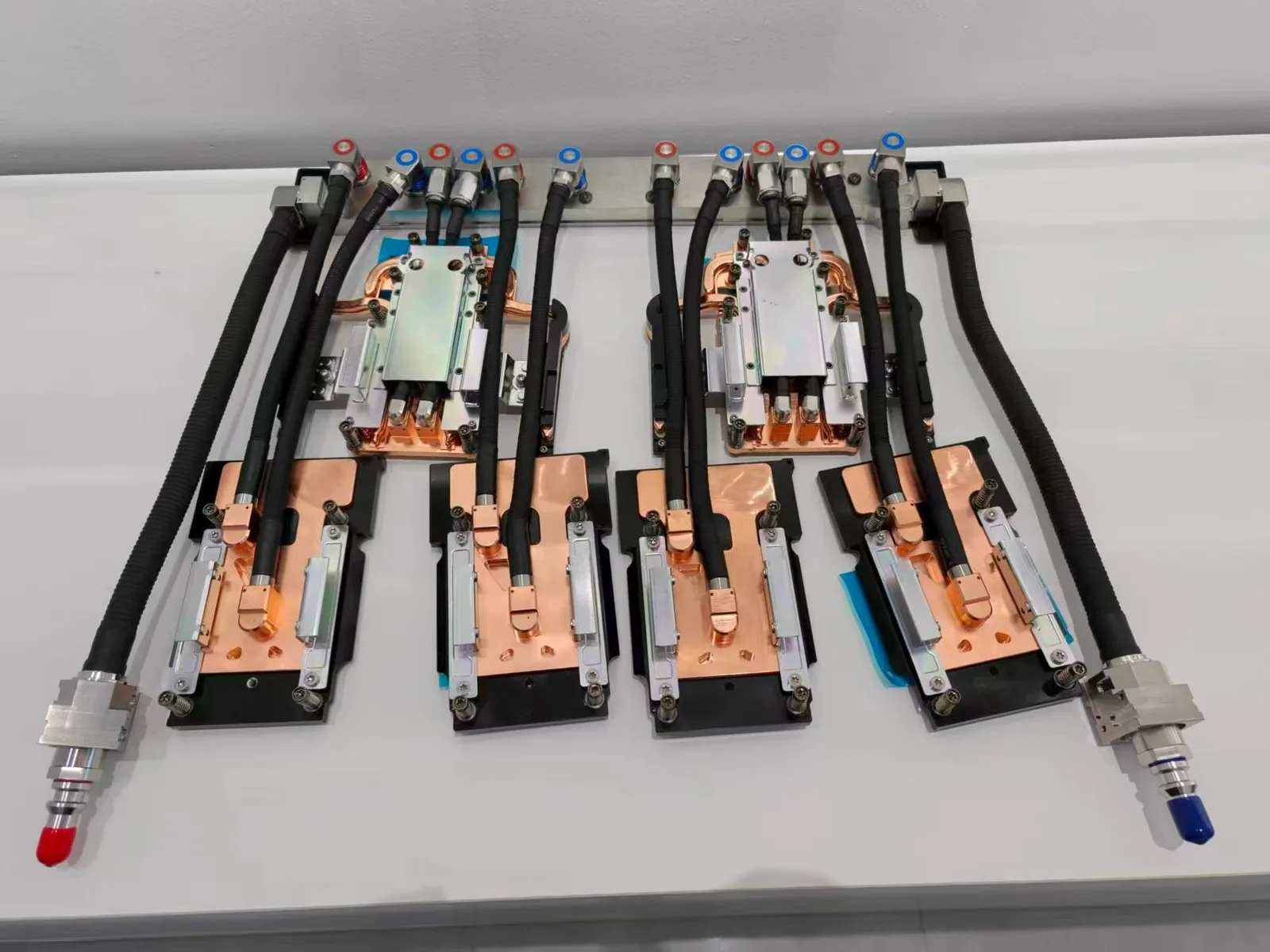
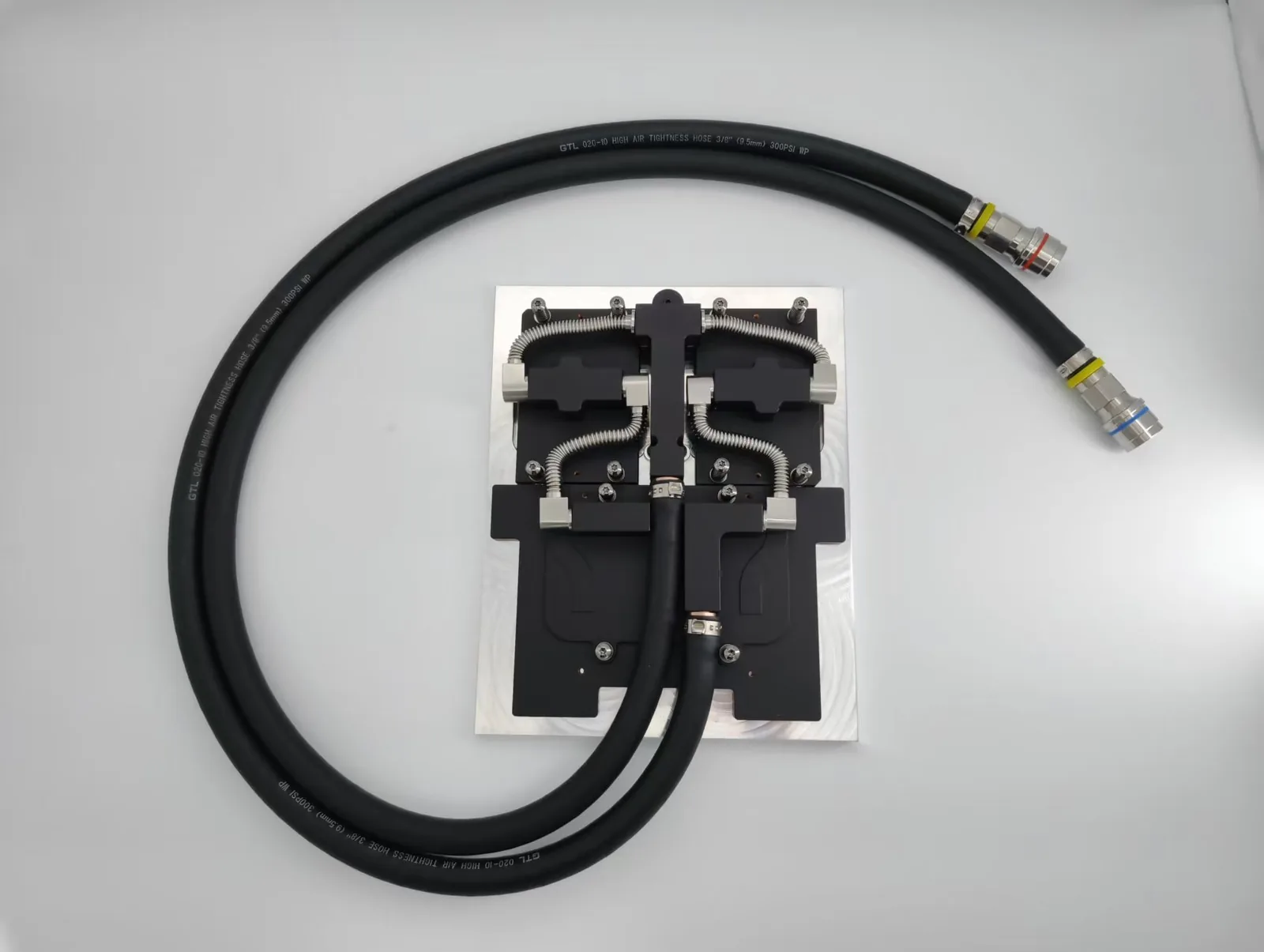
Vapor chambers cool NVIDIA GPUs by spreading the heat of the GPU die evenly across the heat sink base so all fins work; above air-cooling limits, liquid cold plates take over. ToneCooling supplies custom vapor chambers and standard AI server cold plate kits.
When dealing with powerful NVIDIA GPUs like the RTX 4090 and RTX 4080, managing heat becomes critical. These graphics cards push hardware limits, generating enormous heat that can throttle performance and reduce lifespan if not cooled properly. In 2025, vapor chamber cooling technology stands out as the best NVIDIA GPU cooling solution for maintaining peak performance, reducing noise, and extending component life.
This article explores why vapor chambers have become the top choice for NVIDIA GPU cooling, how they work, and why they outperform traditional cooling methods.
Why Cooling Matters for NVIDIA GPUs
NVIDIA’s top-tier GPUs consume high power and produce significant heat, especially during demanding tasks like 4K gaming, 3D rendering, and AI workloads. For example, the RTX 4090’s thermal design power (TDP) exceeds 400 watts, making efficient heat dissipation crucial.
If heat builds up excessively, the GPU will throttle clock speeds to avoid damage, leading to lower performance. Poor cooling also shortens the card’s lifespan and increases the chance of system instability or crashes. A reliable cooling solution is essential for anyone serious about harnessing NVIDIA’s raw power.
What Is Vapor Chamber Cooling?
A vapor chamber is a flat, sealed metal plate containing a tiny amount of liquid coolant. When heat reaches the chamber from the GPU die, the liquid evaporates, absorbing heat energy. The vapor spreads quickly and evenly across the chamber, transferring heat away from the hottest spots. As the vapor cools, it condenses back into liquid, flowing back to repeat the cycle.
Unlike traditional cylindrical heat pipes that transfer heat along narrow paths, vapor chambers provide a large, flat surface for heat to spread uniformly. This design eliminates hotspots and speeds up heat transfer.

Advantages of Vapor Chamber Cooling for NVIDIA GPUs
Even Heat Distribution Prevents Hotspots
Vapor chambers spread heat evenly across the entire GPU surface, including memory modules. This prevents localized overheating, ensuring the GPU operates within safe temperature limits.
Handles High TDP GPUs Efficiently
With GPUs like RTX 4090 demanding over 400 watts, vapor chambers manage these high heat loads far better than conventional cooling methods.
Supports Slim, Compact Cooler Designs
Vapor chamber technology enables manufacturers to create thinner, dual-slot or 2.5-slot coolers without compromising thermal performance. This is important for building compact or multi-GPU systems.
Compatible with Air, Liquid, and Hybrid Cooling
Vapor chambers can be integrated with traditional fan-based coolers, liquid cooling loops, or hybrid setups, providing flexible cooling solutions for different user needs.
Comparing Cooling Technologies for NVIDIA GPUs
| Cooling Method | Efficiency | Noise Level | Maintenance | Best For |
|---|---|---|---|---|
| Air Cooling | Moderate | Moderate-High | Low | Budget builds, mid-range GPUs |
| Liquid Cooling | High | Low | Medium-High | Overclocking, high-end systems |
| Vapor Chamber Cooling | Very High | Low | Low | High-end NVIDIA GPUs (RTX 4090/4080) |
While air cooling is cost-effective and simple, it struggles with high TDP cards. Liquid cooling excels in extreme setups but demands more maintenance. Vapor chamber cooling offers a perfect balance of efficiency, noise reduction, and reliability, making it the go-to for flagship NVIDIA GPUs.
Popular NVIDIA GPUs Using Vapor Chamber Cooling
NVIDIA RTX 4090 Founders Edition
NVIDIA’s Founders Edition RTX 4090 combines a large vapor chamber with triple fans to manage extreme heat efficiently. This design maintains stable clock speeds and relatively quiet operation even under heavy load.
MSI SUPRIM X RTX 4080
MSI integrates a large vapor chamber baseplate with multiple heat pipes and dense fin arrays. This ensures excellent cooling and quiet operation for the RTX 4080.
ASUS ROG Strix RTX 4090 OC
This model uses a hybrid system combining vapor chambers and traditional heat pipes, providing exceptional heat extraction and overclocking headroom.
Gigabyte AORUS RTX 4070 Ti XTREME
Gigabyte’s implementation features a vapor chamber paired with advanced fans and heatsinks, delivering efficient cooling for the RTX 4070 Ti XTREME at low noise levels.

How to Choose the Best NVIDIA GPU Cooling Solution for Your Needs
Performance Requirements: Vapor chamber cooling is ideal for high-end GPUs and heavy workloads. For casual gaming, high-quality air coolers with vapor chambers usually suffice.
Overclocking Plans: Choose vapor chamber-based liquid or hybrid coolers for better thermal headroom.
Case Size & Airflow: Vapor chamber coolers often have slimmer profiles, fitting more compact cases. Ensure your case has good airflow for optimal performance.
Noise Sensitivity: Vapor chamber coolers generally run quieter than traditional air coolers.
Vapor Chamber in Hybrid and Liquid Cooling Solutions
Vapor chambers excel when combined with hybrid coolers that use both fans and liquid radiators. For instance, many GPUs support adding aftermarket all-in-one (AIO) liquid coolers paired with vapor chambers to maximize heat removal and minimize noise.
Custom water cooling loops also benefit from vapor chambers because the even heat spread improves overall thermal efficiency and helps cool GPU cores and VRAM uniformly.
Benefits Beyond Temperature Control
Lower Noise: Vapor chambers improve heat transfer, allowing fans to run slower and quieter.
Longer Hardware Life: Stable, cooler temperatures reduce stress on components, extending GPU lifespan.
Better Overclocking: Consistent cooling lets enthusiasts push clock speeds higher with confidence.
Slimmer Cooler Designs: Vapor chambers enable efficient cooling in thinner, more compact packages.
Conclusion
In 2025, vapor chamber technology is the best cooling solution for NVIDIA GPUs. It delivers superior heat distribution, supports high power GPUs like the RTX 4090, enables compact cooler designs, and reduces noise—all essential for maximizing GPU performance and longevity.
Whether you buy an NVIDIA Founders Edition GPU or a premium aftermarket card, prioritizing vapor chamber cooling guarantees better thermal management. For anyone demanding the best from their NVIDIA GPU, vapor chamber cooling is no longer optional—it’s essential.

FAQs
1. What is vapor chamber cooling for NVIDIA GPUs?
Vapor chamber cooling uses a flat, sealed chamber filled with liquid that evaporates and condenses to spread heat evenly across the GPU surface. This technology improves heat dissipation compared to traditional heat pipes.
2. Can vapor chamber cooling reduce GPU noise?
Yes. By spreading heat efficiently, vapor chambers allow fans to run at lower speeds, reducing noise while maintaining optimal temperatures.
3. Is vapor chamber cooling suitable for overclocking?
Absolutely. Vapor chambers help maintain stable temperatures under heavy loads, providing better thermal headroom for overclocking.
4. How does vapor chamber cooling compare to liquid cooling?
Vapor chambers are a passive cooling method integrated into the GPU cooler, providing very high heat spreading efficiency with low maintenance. Liquid cooling offers even lower temperatures but requires pumps, tubing, and more upkeep.
5. Can vapor chamber technology be used with liquid cooling systems?
Yes. Vapor chambers can be part of hybrid cooling solutions, working alongside liquid loops to enhance heat transfer from the GPU die.
6. Does vapor chamber cooling increase the cost of a GPU?
Vapor chamber technology may add some cost compared to basic air coolers, but the performance benefits and quieter operation justify the investment, especially for high-end GPUs.
7. How do I know if my NVIDIA GPU has vapor chamber cooling?
Check the manufacturer’s specifications or product reviews. Premium models and Founders Edition cards often highlight vapor chamber cooling in their marketing.
8. Can vapor chamber cooling extend the lifespan of my GPU?
Yes. By maintaining stable, lower temperatures, vapor chambers reduce thermal stress on components, helping your GPU last longer.
For industry standards and best practices, refer to NVIDIA Data Center.
Frequently Asked Questions
Does ToneCooling offer OEM and ODM services?
Yes. ToneCooling provides full OEM and ODM services including custom design, prototyping, thermal simulation, and volume production. We serve customers in North America, Europe, and Asia-Pacific with engineering support and samples within 6–8 weeks.
How does a vapor chamber differ from a heat pipe?
A vapor chamber spreads heat in two dimensions across a flat surface, while a heat pipe transfers heat along a single axis. Vapor chambers are ideal for high heat flux applications like GPU cooling where uniform heat spreading is critical.
Get a Custom Thermal Solution from ToneCooling
ToneCooling is a professional liquid cooling solution provider specializing in custom cold plates, AIO coolers, and advanced thermal management systems. With ISO 9001 quality management and our own manufacturing facility in Huizhou, China, we deliver prototype samples typically within 6–8 weeks. Contact ToneCooling today for a free consultation and quote. An engineer reviews every RFQ and replies by email with next steps.
References: ASHRAE thermal standards
Why Choose ToneCooling for Vapor Chamber GPU Cooling
Engineering review and prototype planning are based on the project requirements. Custom prototype lead time is normally 6–8 weeks after drawing approval and order confirmation; confirm the production schedule in the quotation.
Building AI servers? See our standard GB300 4G+2C cold plate kit and GB200 cold plate kit, both supplied to published datasheets.
Need a Custom Liquid Cold Plate?
ToneCooling engineers review your drawings and requirements and reply by email with next steps.
Last updated: 2026-10-02






.jpg.webp)


